Template overview and purpose
This template functions as a streamlined real estate commission calculator specifically designed for single property transactions. For those involved in different types of property deals, a wholesale real estate calculator might also be useful. It allows users to quickly determine both gross revenue and net income after deducting necessary expenses, which is crucial for those managing their broader financial operations with a small business bookkeeping template.
The tool operates entirely on a single sheet ("Sheet1") without requiring external database connections or complex scripts. It provides immediate feedback, allowing users to see exactly how changes in commission rates and operational spend percentages affect final take-home pay.
Template components and structure
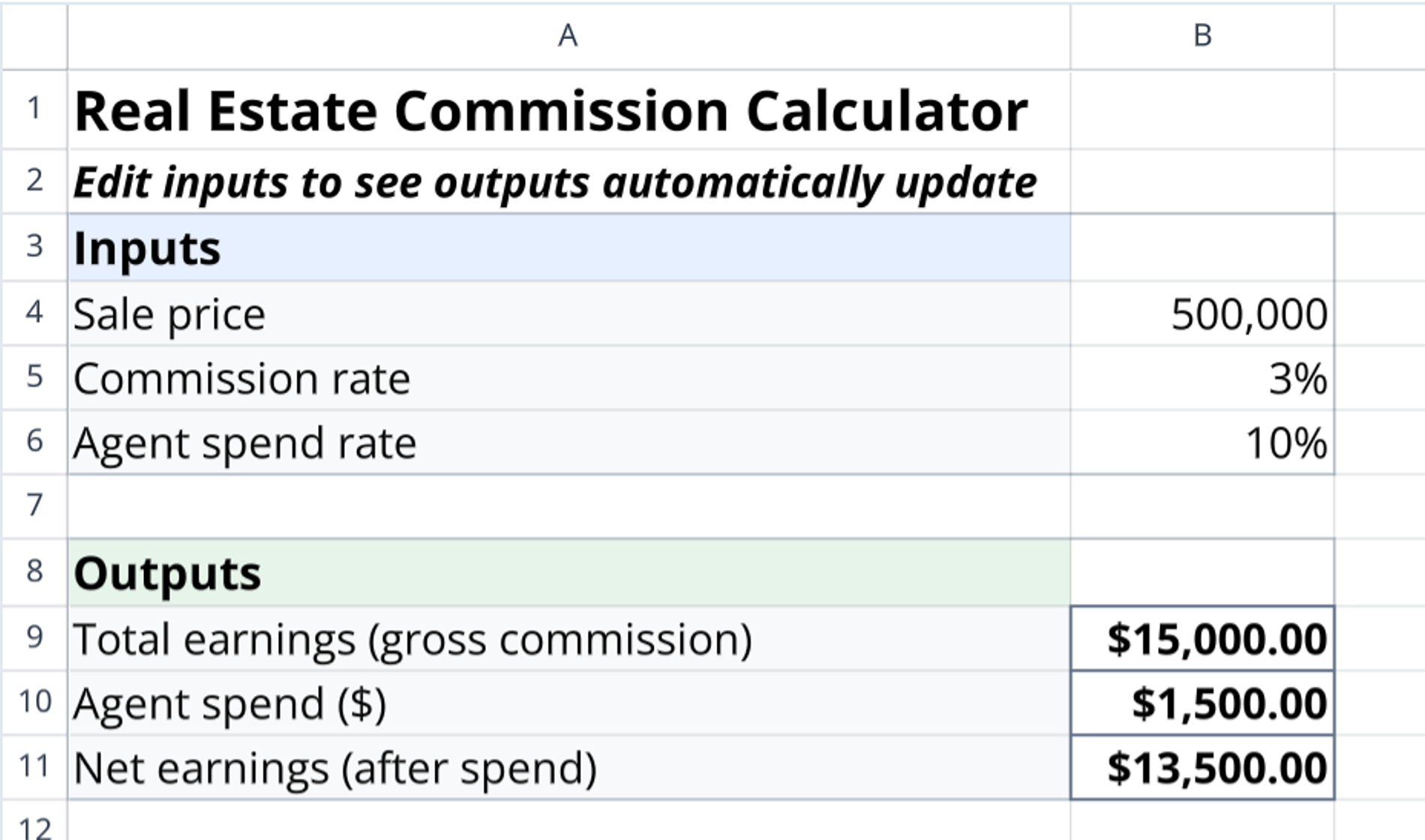
The calculator consists of one active sheet named "Sheet1." The layout is divided into two distinct logical blocks: an Inputs section (rows 4-6) and an Outputs section (rows 9-11). To maintain clarity and organize the data flow, the sheet uses visual separators in rows 2, 7, and 8.
Input parameters
- Sale price: The total closing price of the property, entered in Cell B4.
- Commission rate: The percentage charged by the agent or brokerage, entered in Cell B5.
- Agent spend rate: The percentage of gross commission allocated to expenses, marketing costs, or broker splits, entered in Cell B6.
Calculated outputs
- Total earnings: Displays the gross commission derived directly from the sale price (Cell B9).
- Agent spend: Converts the spend rate percentage into a specific dollar amount (Cell B10).
- Net earnings: Shows the final profit after deducting the calculated agent spend from total earnings (Cell B11).
How to calculate real estate commission with this tool
- Enter the property value: Input the final sale price into the dedicated cell to initialize the calculation chain.
- Set the commission percentage: Adjust the rate to reflect the agreed-upon real estate agent commission.
- Define operational costs: Input the agent spend rate to account for marketing costs or specific broker splits.
- Review automatic calculations:
- Gross commission calculates as Sale Price × Commission Rate.
- Agent spend calculates as Gross Commission × Agent Spend Rate.
- Net earnings calculates as Gross Commission − Agent Spend.
Who this Real Estate Commission Calculator is for
- Real estate agents needing to forecast net income on potential listings, a process that can be enhanced through sales data visualization.
- Brokers looking to demonstrate the financial impact of splits and expenses to agents, especially when tracking performance with a sales quota calculator.
- Independent contractors wanting to calculate real estate commission quickly without relying on complex software.
- Teams requiring a simple, standardized method to track deal-specific profitability.
Use Quadratic to Calculate Real Estate Commissions
- Quickly calculate gross revenue and net earnings for single property transactions.
- Model different commission rates and agent spend percentages to forecast take-home pay.
- Instantly see the impact of expenses, marketing costs, or broker splits on final profit.
- Use a simple, self-contained template on a single sheet, requiring no complex connections.
- Provide real estate agents and brokers a standardized method for deal-specific profitability analysis.
Related templates

Real Estate Pro Forma Template
Quickly evaluate potential real estate investments. Track income and expenses, Determine IRR and analyze equity building of real estate.
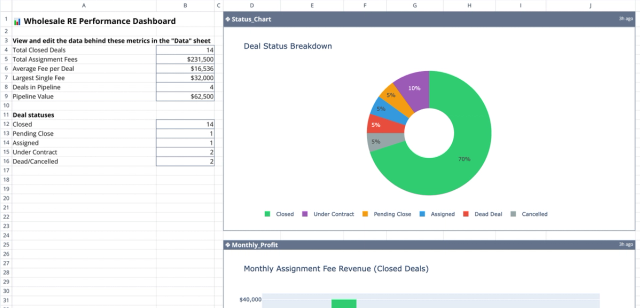
Wholesale Real Estate Calculator: Deal Analysis Dashboard
Track and visualize your real estate wholesale deals, fees, and portfolio performance.
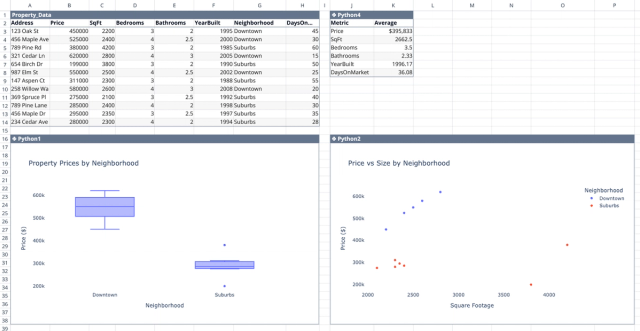
Comparative Market Analysis Template
Interactive real estate data analytics to support your property research.
