About this wholesale real estate calculator template
This template provides a centralized system for tracking property transactions and assignment fees. By separating raw data entry from high-level metrics across two distinct sheets, it connects deal inputs to a visual dashboard for real-time analysis. The template utilizes Python-powered charts to visualize portfolio performance, allowing users to move from basic record-keeping to strategic review within a single workspace.
Managing transaction data
Data entry structure
The "Data" sheet houses all raw inputs within the "Wholesale_Transactions1" table. This structure ensures that essential property details—such as addresses, seller names, and buyer or investor information—are organized efficiently. It also tracks critical financial figures, including the contract price, assignment fee, and final sale price.
Status and timeline tracking
To keep pipelines moving, the template logs specific dates like contract execution and closing. Users can categorize deals by status, such as Closed, Pending Close, Assigned, or Dead Deal. A dedicated notes column allows for recording specific transaction context or contingencies alongside the standard data points.
Analyzing deal performance
Key performance metrics
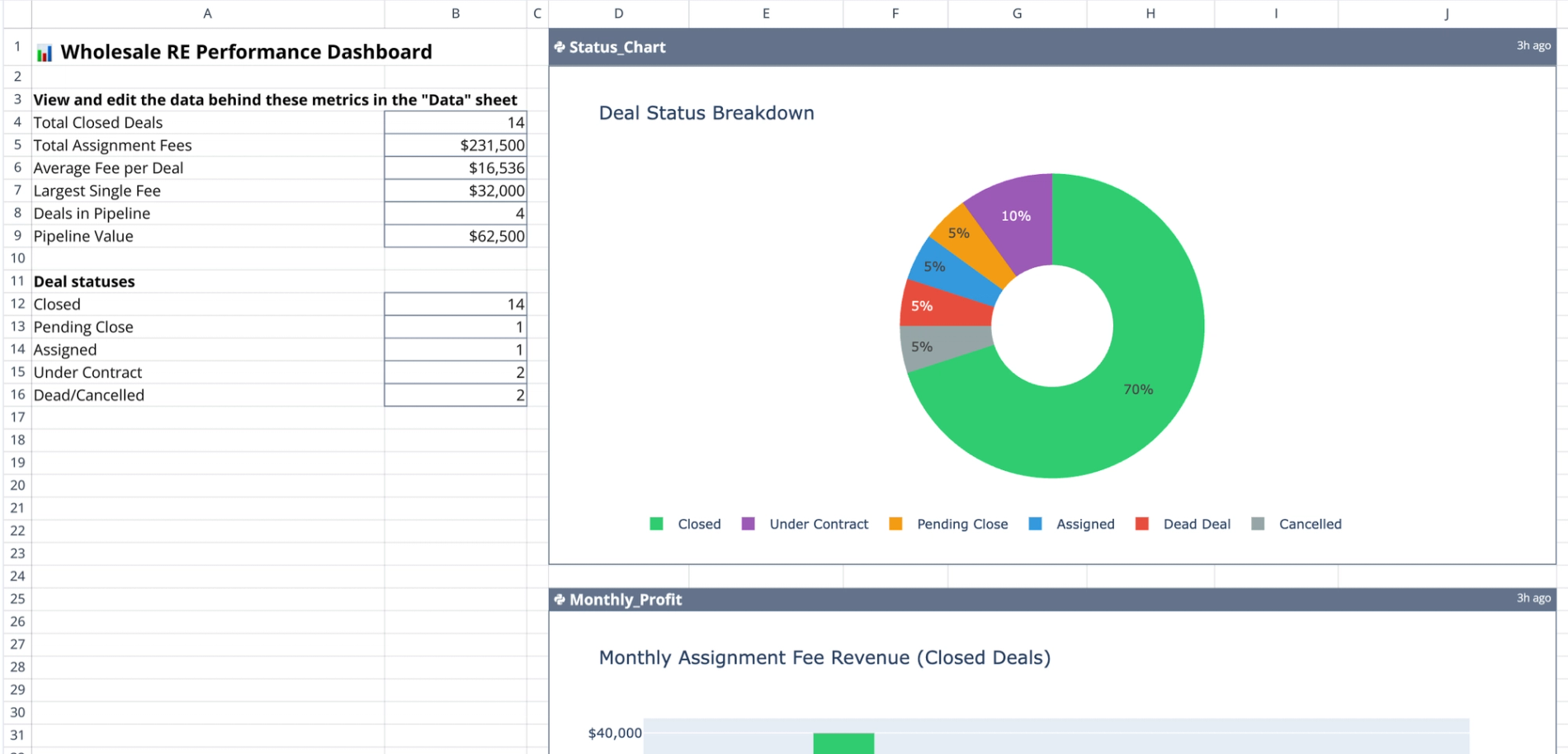
The "Wholesale Transactions" dashboard sheet displays aggregate data derived from the raw inputs, providing key performance metrics. It automatically calculates the total number of closed deals and cumulative assignment fees. Additionally, the dashboard computes the average fee per deal, identifies the largest single fee earned, and monitors pipeline health by counting active deals and estimating potential pipeline value.
Visualizing portfolio health
Quadratic leverages Python to generate dynamic visualizations based on the table data:
- Status_Chart: Illustrates the distribution of deals across different stages, such as Under Contract versus Closed.
- Monthly_Profit: Plots assignment fee revenue over time to assist in tracking business growth, a form of financial time series analysis.
How to use the real estate wholesale calculator
- Before inputting new property leads and contract details directly into the "Wholesale_Transactions1" table on the Data sheet, many users utilize a real estate pro forma template to evaluate potential investments.
- Update the status column as deals progress from "Under Contract" to "Assigned" or "Closed."
- Refresh the "Wholesale Transactions" sheet to ensure summary metrics reflect the latest data.
- Review the Python-generated charts to identify bottlenecks in the deal flow or analyze seasonal profit trends.
Who this wholesale real estate calculator is for
- Real estate wholesalers managing multiple active contracts.
- Investment firms tracking assignment fees and acquisition costs can utilize an investment tracking spreadsheet.
- Property scouts needing a centralized system for deal management and analysis, which often includes a comparative market analysis template.
Use Quadratic to track and analyze wholesale real estate deals
- Streamline input of property details, contract prices, and assignment fees into a structured table.
- Monitor deal progress by logging dates and categorizing transactions as Under Contract, Assigned, or Closed.
- Automatically calculate key performance metrics like total closed deals, cumulative assignment fees, and potential pipeline value.
- Visualize deal distribution and monthly profit trends with dynamic, Python-powered charts.
- Consolidate raw data entry and high-level analysis into a single, collaborative dashboard.
Related templates

Real Estate Pro Forma Template
Quickly evaluate potential real estate investments. Track income and expenses, Determine IRR and analyze equity building of real estate.
Comparative Market Analysis Template
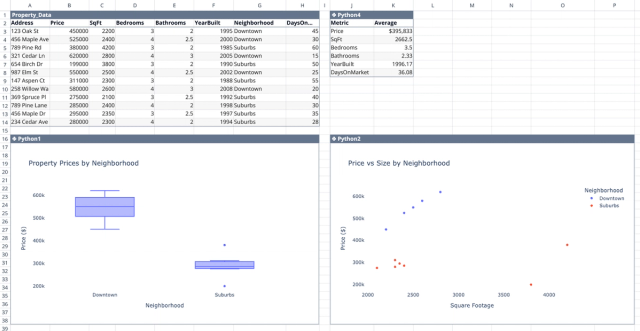
Interactive real estate data analytics to support your property research.
Rent Roll Template
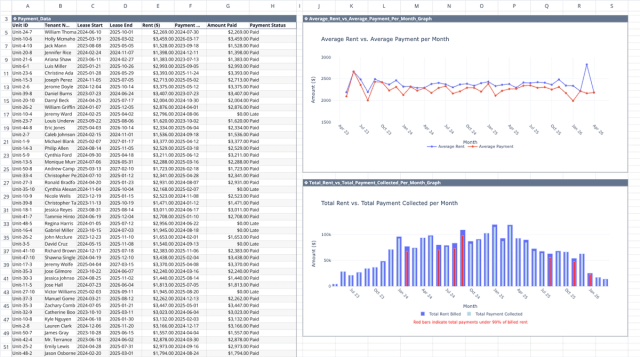
Track rental payments, analyze collection patterns, and identify revenue optimization opportunities.
