Table of contents
- The fragmentation problem in utility data
- Step 1: Ingesting diverse data sources
- Step 2: Normalizing data with Python
- Step 3: Creating the master view with SQL
- Validation and reconciliation
- The final output: a standardized Utility Consumption Report
- Conclusion
- Use Quadratic to do utility consumption reporting
Managing energy data is rarely a straightforward task. For most facility managers and energy analysts, the reality involves a chaotic mix of PDF invoices from various utility vendors, CSV dumps from smart meters, and manual meter reads entered into shared drives. Trying to perform data consolidation from these disparate sources into accurate utility consumption reporting often feels like a losing battle against file versioning and broken spreadsheet links.
Traditional spreadsheets simply aren't built to handle the volume and variety of data required for modern sustainability and cost analysis. When you try to force thousands of rows of interval data into a standard grid, performance lags and formulas break. On the other hand, enterprise SaaS solutions often act as "black boxes," offering rigid dashboards that don't allow for the custom, ad-hoc analysis you actually need.
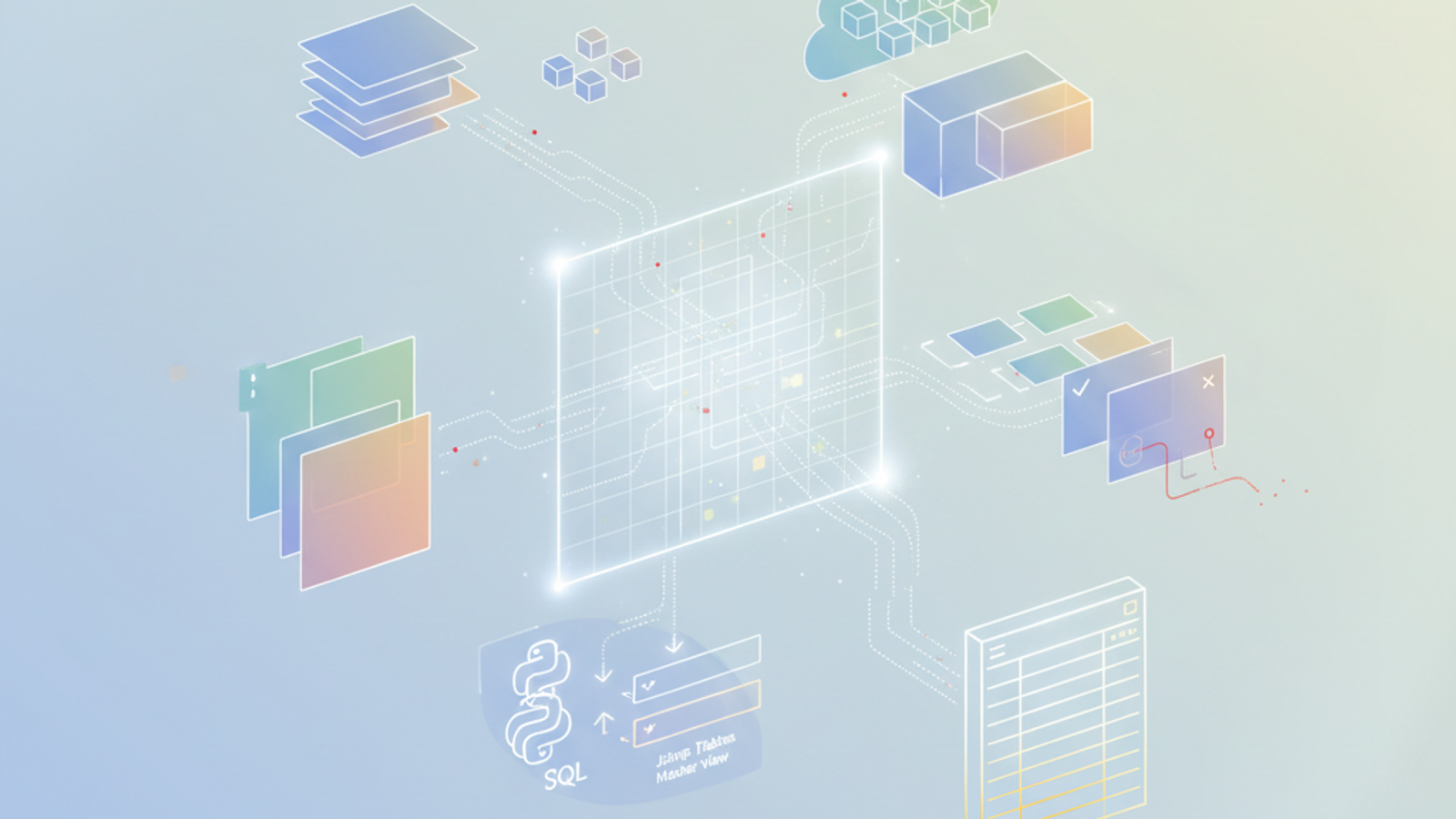
Quadratic offers a middle ground. As a programmable data grid, it allows you to ingest, clean, and consolidate data using Python and SQL directly within a familiar interface. Instead of struggling with fragile formulas, you can build a robust, auditable pipeline that turns raw chaos into clear insights.
The fragmentation problem in utility data
The core challenge in energy management is fragmentation. You might receive electricity data in kilowatt-hours (kWh), natural gas in Therms or CCF, and water in gallons or cubic feet. Furthermore, billing periods rarely align perfectly with calendar months, and smart meter data arrives in high-frequency intervals that don't match the monthly granularity of invoices.
In a typical workflow—often referred to as "Excel Hell"—analysts spend hours manually copying and pasting data from one sheet to another. They rely on complex chains of `VLOOKUP` or `INDEX(MATCH)` formulas to align these datasets. If one row shifts or a file name changes, the entire report breaks. Stakeholders, however, don't see this struggle; they simply request a clean utility consumption report for ESG compliance or budget forecasting, expecting 100% accuracy immediately.
While expensive energy management software exists, it often lacks flexibility. If you need to normalize data differently for a specific site or run a custom reconciliation logic, you are often stuck waiting for a vendor to update their product. The ideal solution is one where you, the analyst, are the builder of your own logic.
Step 1: Ingesting diverse data sources
In Quadratic, the workflow begins on an infinite canvas. Because you aren't restricted by standard grid dimensions, you can visualize your entire data pipeline in one workspace without hiding logic in obscure tabs.
You can bring data into the environment in two primary ways. For historical invoice data, you can simply drag and drop CSV files directly onto the grid. For live usage metrics, you can use Python code cells to fetch data directly from APIs or connect to external databases like Snowflake or Postgres.
This allows you to place contractual details—such as supplier rates and site metadata—side-by-side with raw usage metrics. By having the raw inputs visible on the same surface as your analysis, you maintain full context of where your numbers are coming from.
Step 2: Normalizing data with Python
Once the data is on the grid, the next step is data normalization. In a traditional spreadsheet, converting units or aligning timestamps requires complex nested formulas that are difficult to debug. In Quadratic, you can use Python directly in the cell.
For example, you can write a short Python script using the Pandas library to standardize all dates to a `YYYY-MM-DD` format. In the same script, you can use Python to facilitate converting diverse energy units into a common metric, such as converting gas Therms into kWh equivalents for a total energy calculation.
This approach appeals to the "Builder Analyst" because the logic is explicit and readable. Anyone reviewing your work can look at the code and understand exactly how the data was transformed. It ensures that your cleaning process is repeatable; when new data arrives next month, the script runs automatically, enabling automated data processing and eliminating manual repetition.
Step 3: Creating the master view with SQL
After cleaning your disparate datasets, you need to join them into a master view. Quadratic allows you to treat any range of data on your grid as a database table. This means you can use standard SQL queries to merge your invoice data with your meter data.
You might write a query like `SELECT * FROM 'Invoices' JOIN 'Meter_Reads' ON Site_ID` to create a unified table. This query can aggregate totals across different resource types—water, gas, and electric—creating a dynamic "site-centric view."
The result is a live table that updates instantly if the underlying data changes. You no longer have to worry about whether your lookup ranges are correct; the SQL query handles the relationships between the data logically and reliably.
Validation and reconciliation
One of the most critical aspects of utility consumption reporting is bill verification. You need to ensure that what the utility company invoiced matches what your meters actually recorded.
In Quadratic, you can build a validation step directly into the flow. Using Python, you can calculate the expected cost based on your meter usage and the contract rates, then compare that against the actual invoice amount. You can flag any discrepancies that exceed a certain threshold automatically.
To make these anomalies stand out, you can use Python visualization libraries like Altair or Plotly to plot the usage trends. A spike in energy consumption during a weekend when a building was supposed to be empty becomes immediately visible on a chart, prompting an investigation before the report ever reaches management.
The final output: a standardized Utility Consumption Report
The end goal is a polished, professional output that stakeholders can trust. Once your data is validated and aggregated, you can apply consistent formatting to the final tables, making them presentation-ready.
Because this entire workflow is built on code and queries, it is fully reproducible. When the next billing cycle arrives, you don't need to rebuild the spreadsheet or remember which cells to copy and paste. You simply update the data sources, and your entire utility consumption reporting pipeline updates automatically. This transforms the monthly reporting cycle from a week-long headache into a task that takes minutes.
Conclusion
You do not need to choose between the rigidity of enterprise software and the fragility of traditional spreadsheets. By combining the visual flexibility of a grid with the power of Python and SQL, you can build a data consolidation pipeline that is robust, accurate, and easy to maintain.
Quadratic empowers you to become the architect of your own analysis, giving you the tools to tame the chaos of utility data. Take control of your utility consumption reporting today by building a workflow that works for you, not against you.
Use Quadratic to do utility consumption reporting
* Ingest all your utility data: Easily pull in diverse sources like CSV invoices, live meter data from APIs, and database connections onto an infinite canvas, keeping all context visible.
* Normalize units and dates with Python: Use Python directly in cells to standardize varying units (e.g., Therms to kWh) and align billing periods, making your cleaning process explicit and repeatable.
* Consolidate fragmented data using SQL: Treat data ranges as database tables and use SQL to join invoices with meter reads, creating a unified, site-centric view that updates automatically.
* Automate bill validation and anomaly detection: Build Python logic to compare actual invoices against meter data, automatically flagging discrepancies and visualizing usage spikes for quick investigation.
* Generate reproducible, accurate reports: Transform your monthly reporting from a manual effort into an automated pipeline, consistently producing trusted utility consumption reports in minutes.
Ready to streamline your energy data analysis? Try Quadratic.
