Overview of the employee attendance tracker
This template provides a programmable solution for monitoring workforce presence and analyzing availability trends. It organizes data across two distinct sheets—"Attendance" and "Employees"—to separate static personnel registries from dynamic daily logs.
- Combines manual data entry with automated statistical aggregation.
- Features a Python-powered heatmap for visual trend analysis.
- Designed for tracking employee attendance across multiple departments.
Attendance sheet components
Attendance log table
The Attendance_Log serves as the primary data entry point for daily records. It structures input using specific columns including Date, Employee_ID, Employee_Name, Department, and Status. This table allows for granular tracking of workforce activity over time.
- Supports multiple status categories: Present, Late, Absent, Sick Leave, and PTO.
- Currently populated with records spanning a five-day work week.
Summary statistics section
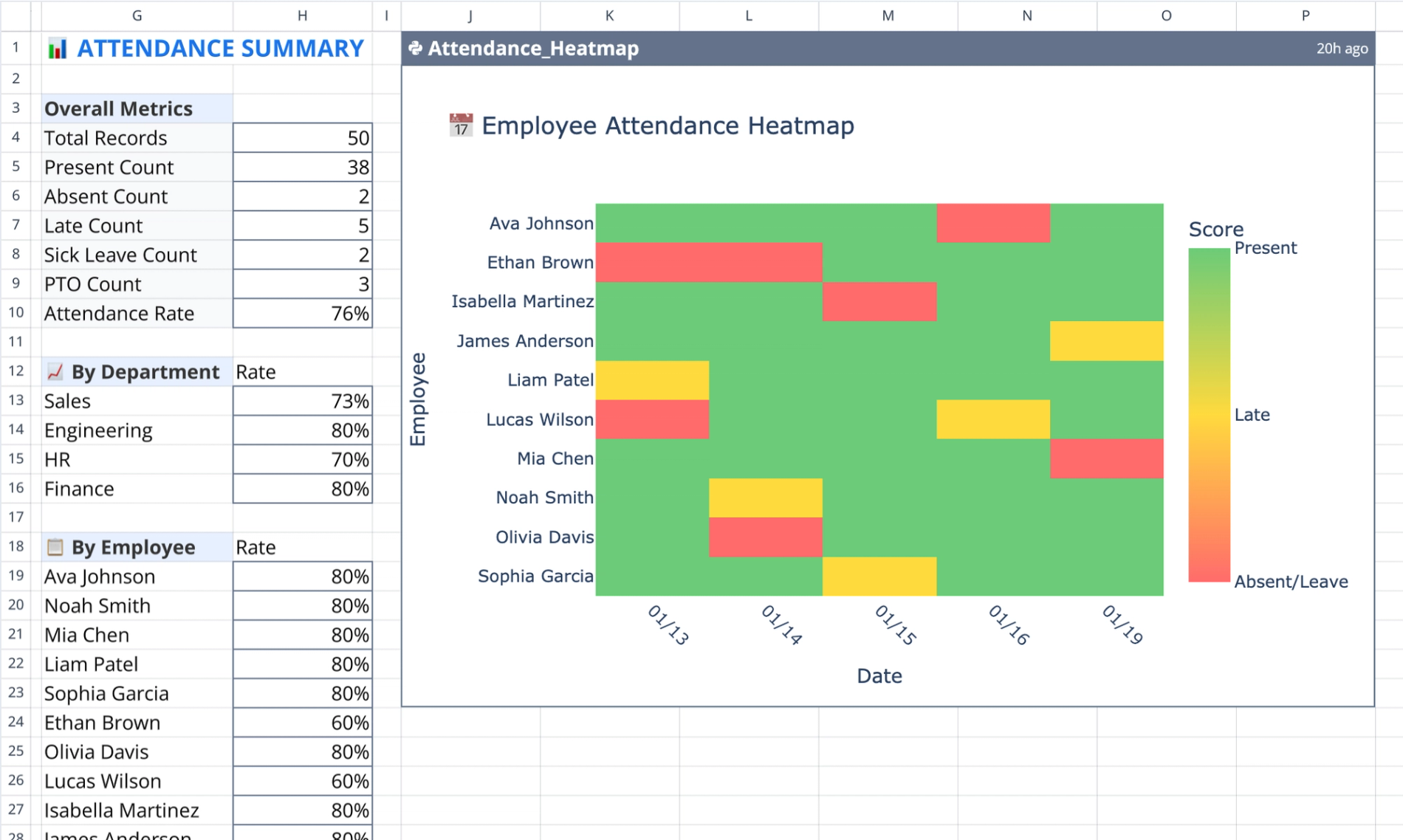
Located in columns G through I, this section provides immediate visibility into workforce metrics. It aggregates total record counts and breaks down specific counts by status type to provide a snapshot of team availability.
- Calculates overall attendance rates based on present-to-total ratios.
- Breaks down individual attendance percentages per employee.
Python heatmap visualization
The visualization occupies the region J1:P23 within the sheet. It utilizes Python code to visually cross-tabulate attendance patterns, allowing users to spot coverage gaps or recurring absence issues instantly.
- Color-codes status distributions to highlight trends or issues.
- Updates dynamically based on the data in the attendance log.
Employees sheet structure
This sheet acts as the master registry for workforce data. It contains the "Employees_Table," which stores static information such as Employee_ID, Employee_Name, Department, Employment_Status, and Start_Date.
- Contains ten sample records for initial reference.
- Serves as a reference point for populating the daily log.
How to use the employee attendance tracker template
- Reference the Employees sheet to confirm ID and department details.
- Input daily status updates into the Attendance_Log on the Attendance sheet, similar to how one might use an employee timesheet template.
- Review the summary section for real-time calculation of attendance rates.
- Analyze the Python heatmap to identify absenteeism trends or coverage gaps.
Who this employee attendance tracker is for
- HR professionals needing a customizable method, such as an HR time and attendance software, to track employee attendance.
- Department heads monitoring team availability and PTO usage.
- Small business owners requiring a free employee attendance tracker alternative to complex software.
- Analysts looking for a Python-integrated solution for workforce data visualization.
Use Quadratic to track employee attendance
- Centralize daily attendance logs and static employee data across two linked sheets.
- Input daily status updates with categories like Present, Late, Absent, Sick Leave, and PTO.
- Automatically calculate overall and individual attendance rates and status breakdowns in real time.
- Visualize attendance patterns and identify coverage gaps or recurring absence issues with a Python-powered heatmap.
- Monitor workforce presence and analyze availability trends across multiple departments.
Related templates
PTO Accrual Calculator
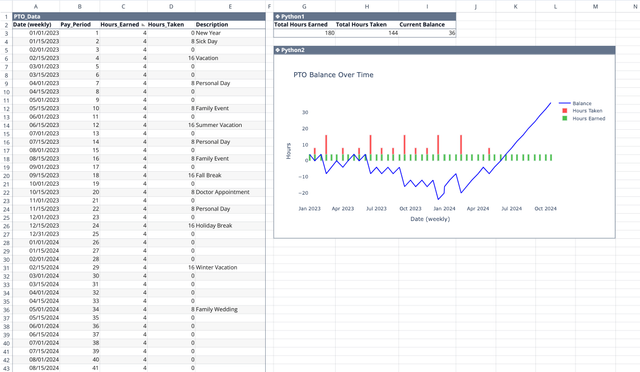
Track balances and trends of your paid time off and calculate how much you need to accrue for that next vacation.
Employee Timesheet Template
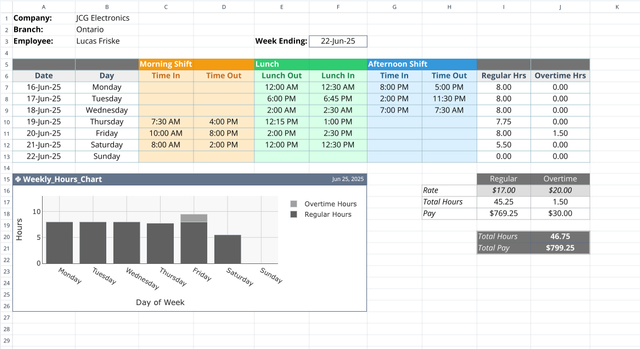
Track weekly work patterns with less manual effort.
Resource Capacity Planning Template
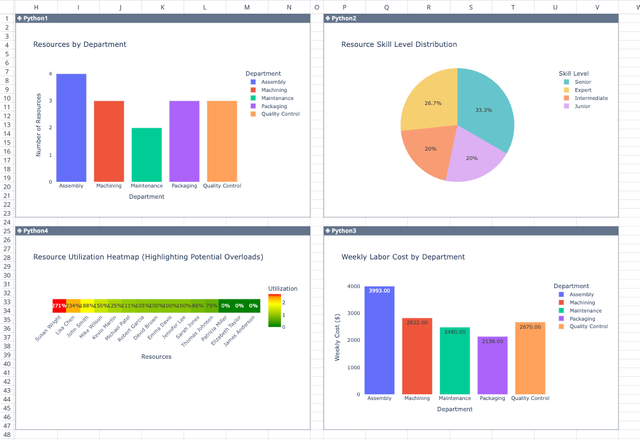
Optimize workforce allocation and track utilization effectively.
