Purpose of the kinematics calculator template
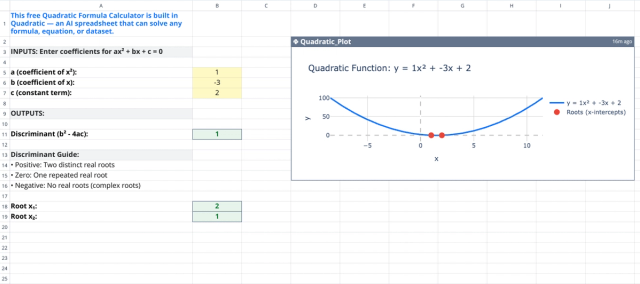
This template computes fundamental physics quantities for one-dimensional motion, automating the process of solving standard kinematic equations, similar to how a quadratic formula calculator automates algebraic solutions. It provides immediate feedback, allowing users to see how changing specific variables—such as acceleration or time—affects the resulting motion.
The design demonstrates a direct data flow between input cells and formula-driven outputs. Unlike complex scripts, this sheet uses visible logic, making the relationships between variables transparent and easy to follow for educational or verification purposes.
Template components
The spreadsheet is organized into two distinct areas to separate user data entry from automated calculations.
- Input section
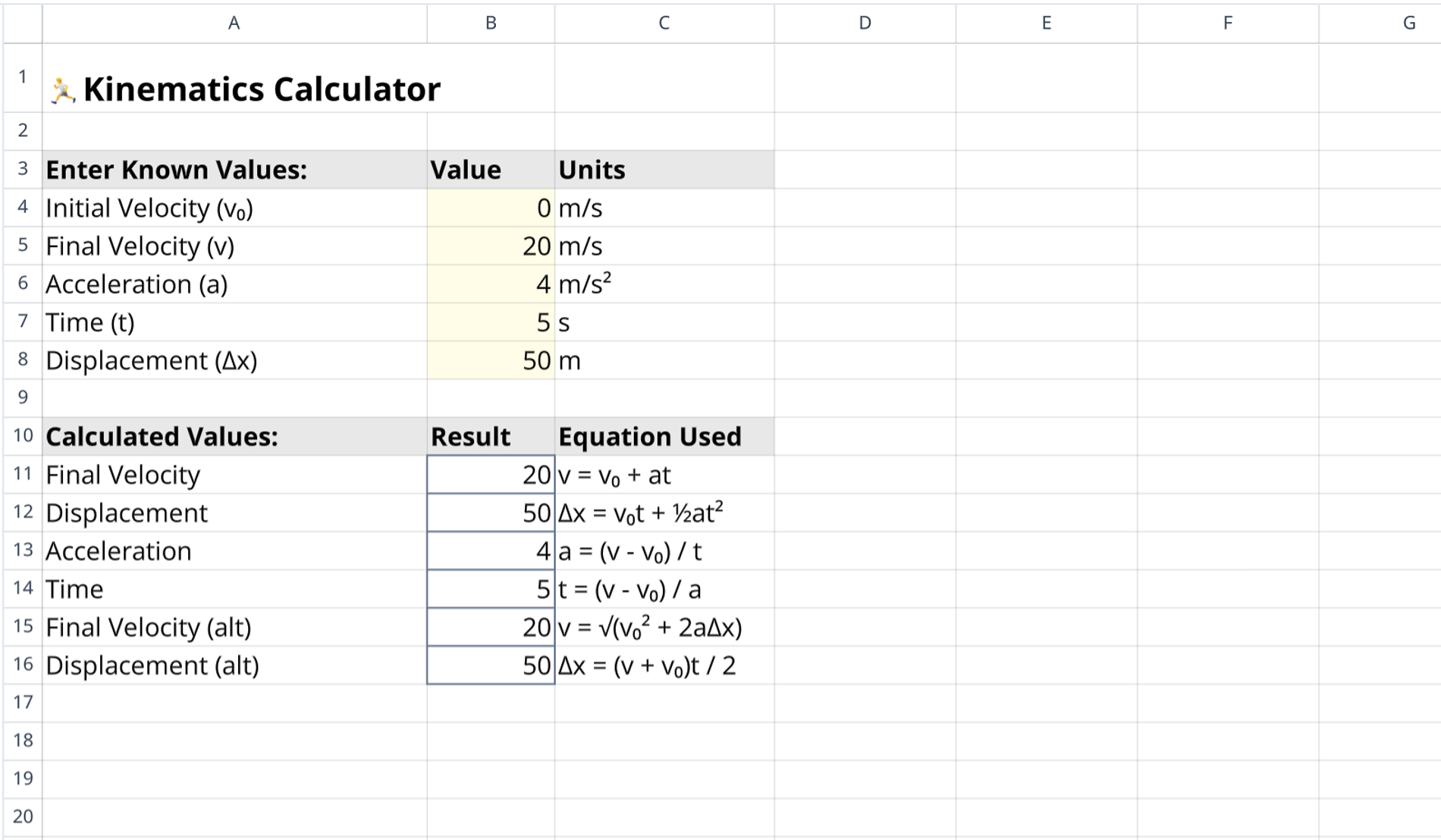
- Labeled "Enter Known Values," this area spans rows 4 through 8.
- It contains five editable fields for primary kinematic variables.
- Column C includes unit indicators (m/s, m/s², s, m) to ensure clarity regarding the measurement system.
- The fields are pre-populated with default sample data to demonstrate functionality immediately upon load.
- Output section
- Labeled "Calculated Values," this area spans rows 11 through 16.
- It displays six distinct calculated results based on the user inputs provided above.
- Column C includes the specific formula used for each calculation, serving as documentation for the method applied.
Supported kinematic calculations and variables
This section outlines the specific physics parameters and mathematical relationships defined within the template.
Input variables
- Initial velocity ($v_0$)
- Final velocity ($v$)
- Acceleration ($a$)
- Time ($t$)
- Displacement ($\Delta x$)
Embedded formulas
- Final velocity: Calculates using $v = v_0 + at$ and the alternate form $v = \sqrt{v_0^2 + 2a\Delta x}$.
- Displacement: Calculates using $\Delta x = v_0t + \frac{1}{2}at^2$ and the average velocity method $\Delta x = \frac{(v + v_0)t}{2}$.
- Acceleration: Derives acceleration using the formula $a = \frac{v - v_0}{t}$.
- Time: Solves for time using the equation $t = \frac{v - v_0}{a}$.
How to use the kinematic equations calculator
1. Identify the known variables from a specific physics problem or scenario.
2. Enter these known values into the corresponding fields within the input section (rows 4–8).
3. Observe the "Calculated Values" section, which updates automatically as inputs change.
4. Review the specific equation label next to the result to verify the method used for the calculation.
5. Modify the inputs to test different scenarios or check homework answers.
Who this kinematics calculator is for
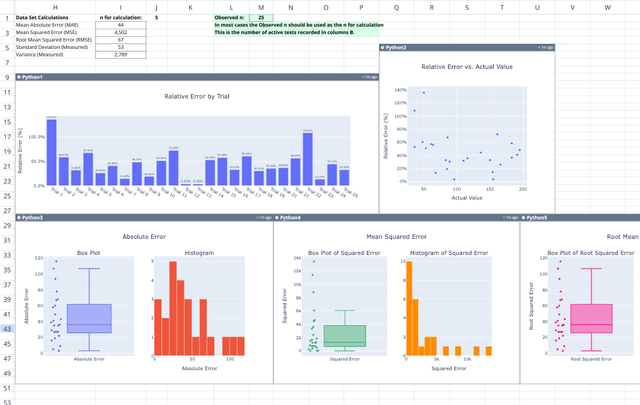
- Physics students: For learning 1D motion concepts and verifying manual calculations, or even using a relative error calculator for experimental data.
- Engineering students: For needing quick verification for kinematic problems without setting up new equations.
- Educators: For demonstrating the relationship between velocity, acceleration, and displacement in a classroom setting.
- General users: For those looking for a transparent, formula-based alternative to a black-box kinematics calculator, or other specialized tools like a five number summary calculator.
Use Quadratic to calculate kinematics for 1D motion
- Automate solving standard 1D kinematic equations.
- Get immediate feedback on how changing inputs affects motion.
- View transparent logic with embedded formulas for verification.
- Clearly separate input and output values for easy use.
- Quickly calculate final velocity, displacement, acceleration, and time.
- Ideal for learning, verifying homework, or demonstrating physics concepts.