About this freelance income tracker template
This template serves as a centralized financial management tool, similar to a small business bookkeeping template, designed specifically for independent contractors. It distinguishes itself by separating raw transactional data entry from high-level analytical views, ensuring data integrity and ease of use.
By leveraging Python alongside standard spreadsheet formulas, the template automates financial metrics to provide real-time visualization of profit trends and client revenue distribution.
Template components
Transactions sheet
The Transactions sheet acts as the single source of truth for all financial data within the workbook. It contains the Freelance_Transactions data table, which organizes records using standardized columns: Date, Type, Category, Client, Description, and Amount.
- Users input income entries as positive values and expense entries as negative values.
- The structured format ensures consistent data retrieval for the dashboard's Python scripts.
Dashboard sheet
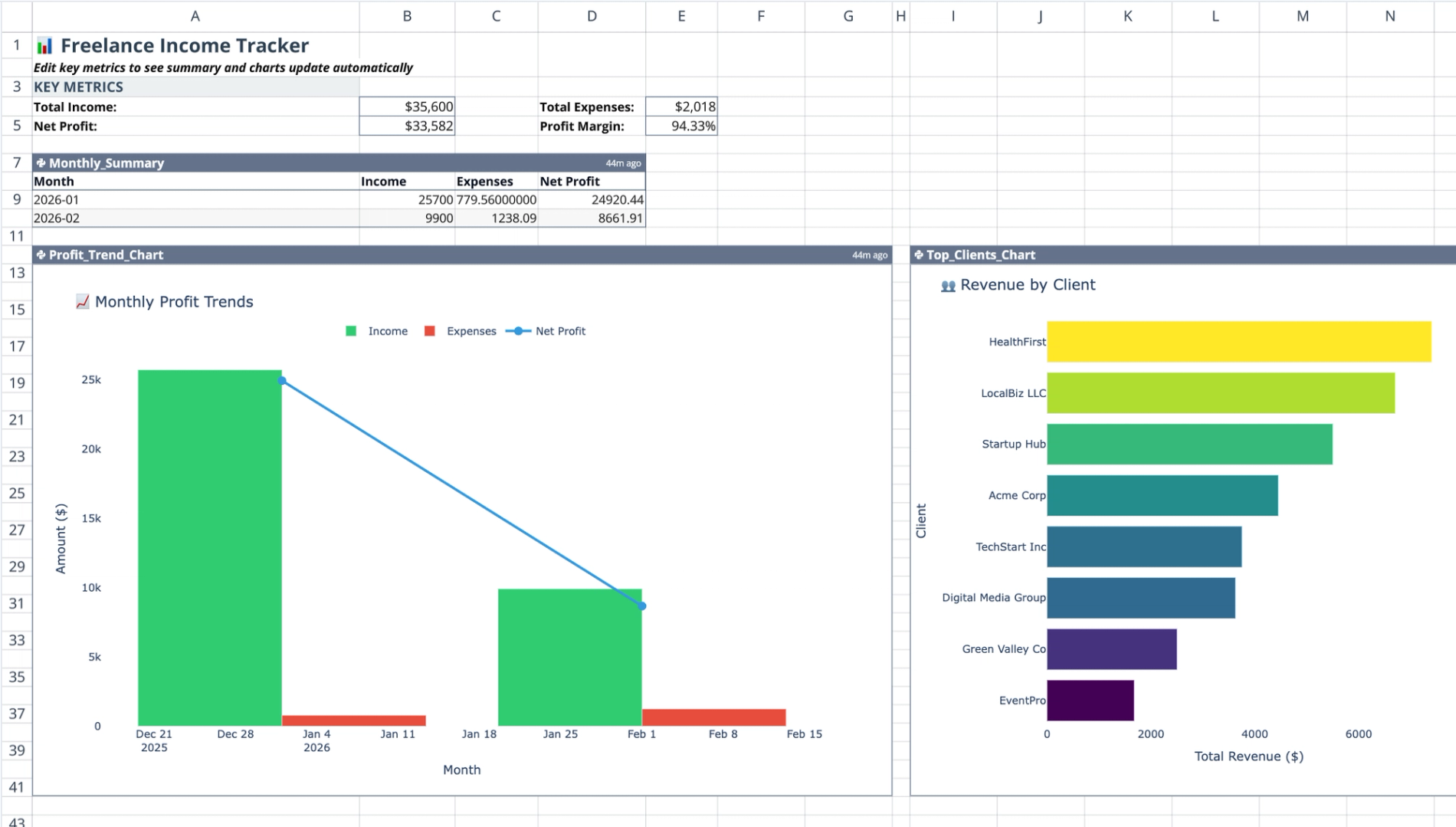
This sheet serves as the analytical layer, presenting high-level KPIs in cells A4 through E5, including Total Income, Net Profit, and Profit Margin. It aggregates data dynamically to provide an immediate snapshot of financial health.
- Features a Python-generated
Monthly_Summarytable (A7:D10) for period-over-period analysis. - Includes a
Profit_Trend_Chart(A12:G41) to visualize financial trajectory, similar to a financial forecast template. - Includes a
Top_Clients_Chart(I12:O41) to identify high-value revenue sources.
How the freelance income tracker works
Data processing with Python
Python cells in the Dashboard sheet utilize the q.cells function to read data directly from the Freelance_Transactions table. Once the data is retrieved, Pandas libraries perform necessary cleaning and aggregation operations.
- Scripts separate income and expense totals to calculate accurate net profit per month.
- Logic automatically groups data to generate the
Monthly_Summarytable without manual intervention.
Visualization logic
Charts in this template are generated directly via Python code cells rather than standard chart wizards. This approach allows for dynamic rendering based on the processed dataframe.
- The
Profit_Trend_Chartrenders time-series data derived from the monthly aggregation. - The
Top_Clients_Chartgroups transaction data by the "Client" column to display revenue distribution.
How to use this template
- Navigate to the Transactions sheet to log new invoices or expenses in the data table.
- Ensure the "Type" column accurately reflects Income or Expense to maintain accurate calculations.
- Return to the Dashboard sheet to view updated metrics immediately.
- Review the Python code cells to customize date ranges or chart styles if needed.
Who this freelance income tracker is for
- Freelancers who need a flexible freelance income tracker spreadsheet.
- Contractors managing finances across multiple clients and projects.
- Gig economy workers requiring clear profit margin analysis, often found in a profit and loss statement template.
- Users seeking a Python-enabled alternative to standard accounting software.
Use Quadratic to track freelance income and expenses
- Centralize all income and expense entries in one structured table.
- Automate net profit, total income, and profit margin calculations with native Python.
- Visualize profit trends and client revenue distribution with dynamic charts.
- Review monthly income and expense summaries for period-over-period analysis.
- Identify your highest-value clients at a glance with a dedicated chart.
- Customize reporting by adjusting Python code for date ranges or chart styles.
Related templates
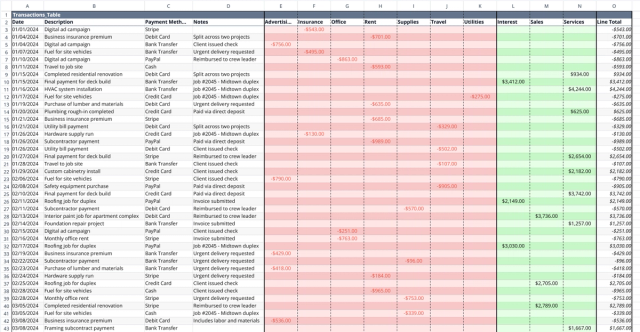
Small Business Bookkeeping Template
Track income and expenses, visualize cash flow trends, and gain financial insights.
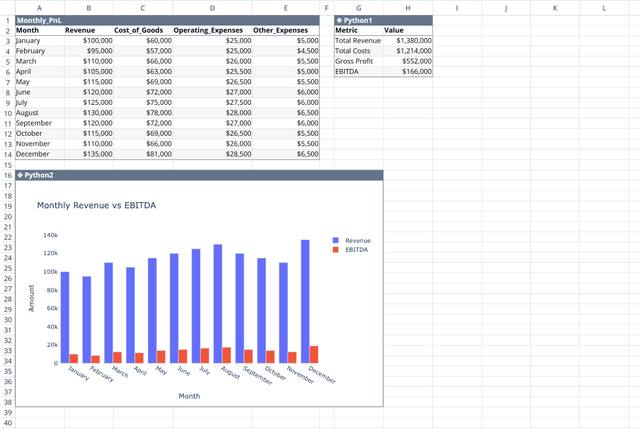
Profit and Loss Statement Template
Streamline monthly financial tracking with an automated dashboard.
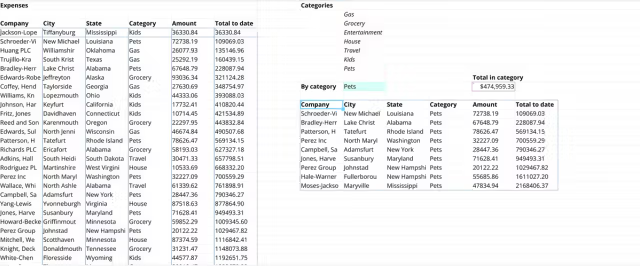
Business Expense Tracking Template
Automate your business spending analysis in Quadratic with Formulas and Python.
