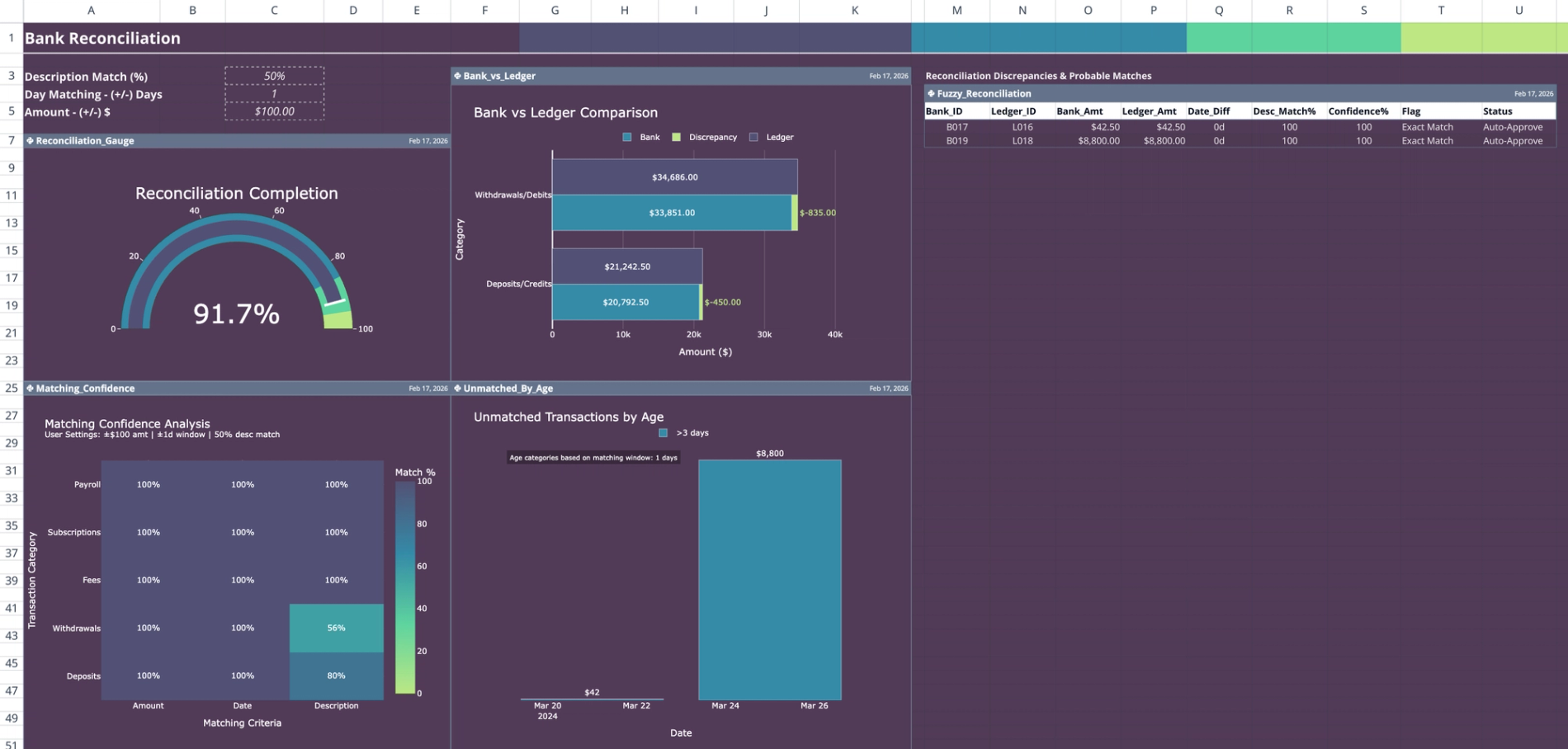
Template purpose and workflow
This template automates the comparison of bank transactions against accounting ledger entries, replacing manual row-by-row checking with Python-based fuzzy matching logic. By identifying exact matches and flagging discrepancies based on user-defined tolerances, it streamlines the financial close process.
The workflow centers on a bank reconciliation template designed to handle real-world data inconsistencies. It visualizes reconciliation progress and financial data on a central dashboard, allowing users to focus on resolving exceptions rather than manually pairing transactions.
Data input structure
All source data resides exclusively on the 'data' sheet, organized into two structured tables that feed the Python matching algorithm.
- Bank data table
- Contains 23 sample bank transactions.
- Columns include Transaction ID, Date, Description, Amount, Type, and Reconciliation Status.
- Ledger data table
- Contains 24 accounting entries.
- Columns include Entry ID, Date, Description, Account Classification, Debit, and Credit.
Dashboard configuration parameters
Configuration controls are located on the 'Dashboard' sheet in cells C3 through C5. These parameters allow users to customize the matching logic without editing the underlying Python code.
- Description match threshold: Sets the percentage required for text similarity (default: 50%).
- Date tolerance window: Defines the acceptable day range for matching transactions (default: ±1 day).
- Amount tolerance: Sets the allowable monetary difference for a match (default: ±$100).
Python matching logic and output
A Python script runs automatically to generate the Fuzzy_Reconciliation table (cells M4:U7). This script compares records from the bank reconciliation template Excel data tables to identify pairs.
- Matching criteria: The algorithm evaluates description similarity, date proximity, and amount variances to find the best possible matches.
- Confidence scoring: A confidence score is assigned to every potential match based on how closely it adheres to the configuration parameters.
- Output fields:
- Pairs Bank_ID with Ledger_ID.
- Calculates date difference and description match percentage.
- Generates a "Match Flag" and "Approval Status" (e.g., Auto-Approve) to guide review.
Visual analysis and reporting
The dashboard features four Python-generated charts that update dynamically based on the reconciliation results in the Fuzzy_Reconciliation table.
- Reconciliation_Gauge: Displays the percentage of total transactions successfully reconciled.
- Matching_Confidence: Shows the distribution of confidence levels across all attempted matches.
- Bank_vs_Ledger: Compares aggregate total values between the two data sources to highlight overall variance.
- Unmatched_By_Age: Provides aging analysis for transactions that remain unreconciled, helping prioritize older items.
Who this bank reconciliation template is for
This financial reconciliation tool is designed for finance professionals who need more processing power than a standard spreadsheet can offer.
- Accountants and bookkeepers looking for a free bank reconciliation template excel alternative with advanced logic.
- Financial analysts requiring automated fuzzy matching for high-volume transactions.
- Users who need automated bank reconciliation that handles date and description discrepancies automatically.
Use Quadratic to do bank reconciliation
- Automate the comparison of bank transactions against accounting ledger entries.
- Apply Python-based fuzzy matching to identify exact and near matches, replacing manual checks.
- Customize matching logic for description similarity, date proximity, and amount variances without editing code.
- Visualize reconciliation progress and financial data on a dynamic dashboard.
- Generate confidence scores and approval statuses to guide your review process.
- Prioritize older unreconciled items using visual aging analysis charts.
Related templates
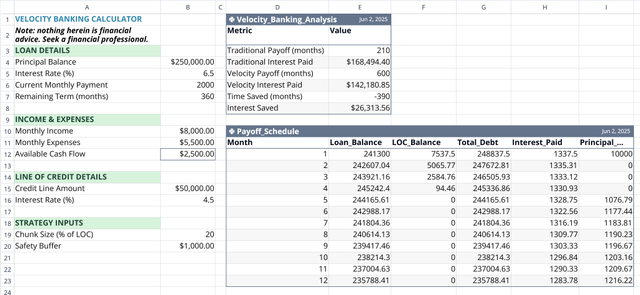
Velocity Banking Calculator
Accelerate your mortgage payoff by optimizing your line of credit usage.
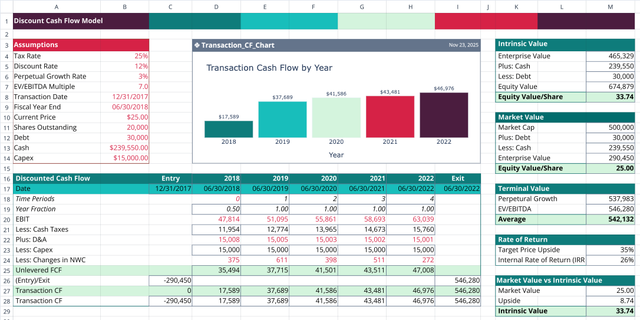
Discounted Cash Flow Model Template
Project cash flows, apply discount rates, and compare intrinsic value to market price.
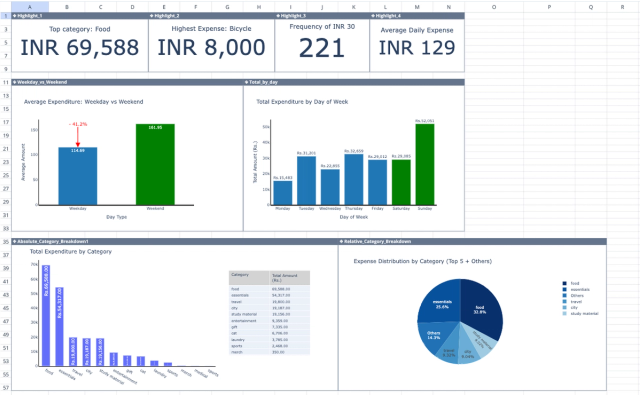
Weekly Spending Tracker
Analyze your personal finances with a dashboard tracking your weekly spending habits.
