Purpose of the physics unit conversions template
This template serves as an automated tool for managing physics unit conversions within Quadratic. It eliminates the need for manual mathematical operations by referencing a pre-defined factor table to handle dimensional analysis. By centralizing conversion factors for categories such as length, mass, time, and pressure, the template ensures consistency across calculations.
Additionally, the template demonstrates clear, formula-based logic for normalizing data to base units. This makes it a practical resource for users who need to integrate unit standardization into larger data projects or educational demonstrations.
Template components and structure
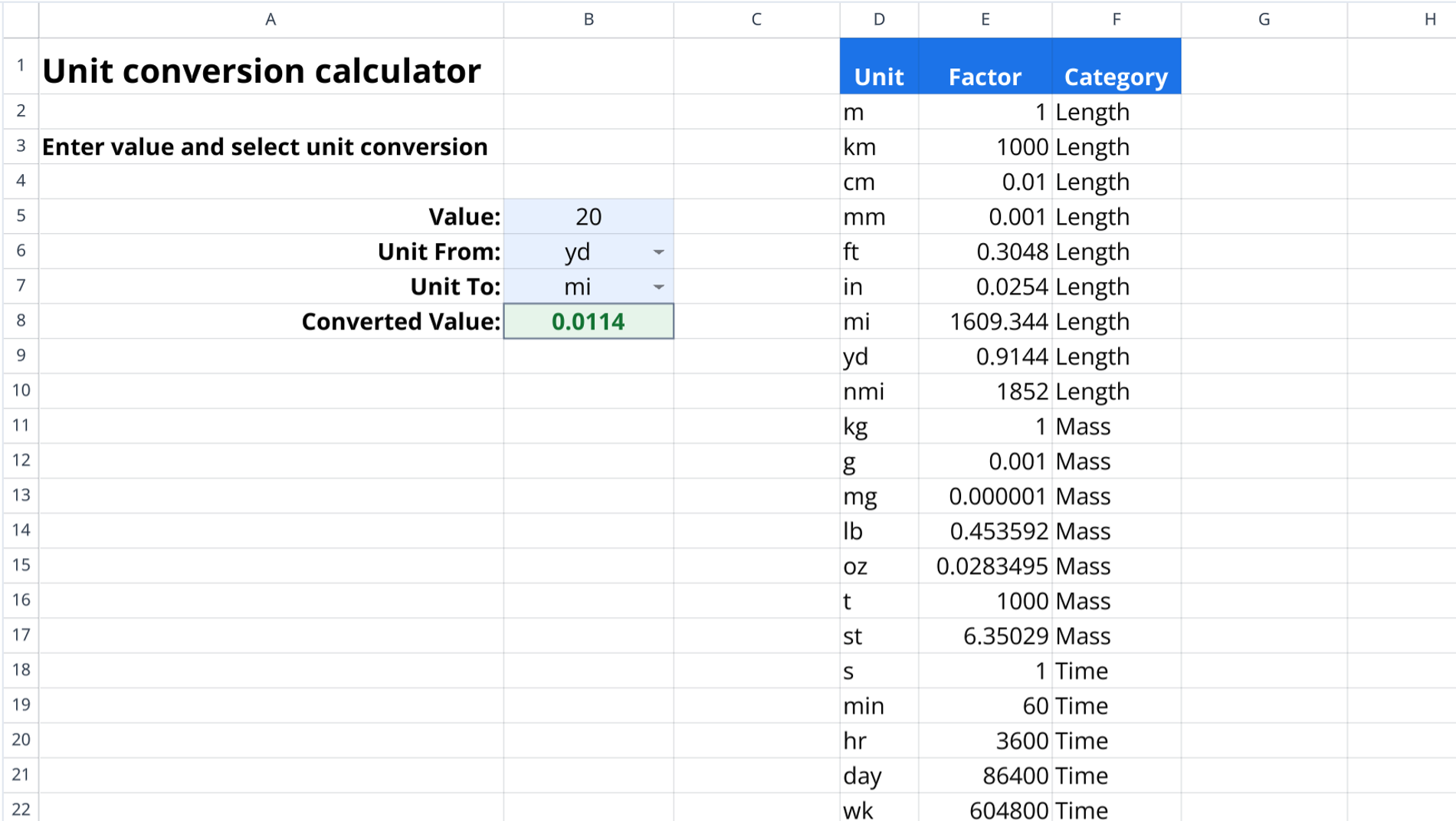
The template consists of a single sheet named "Unit_Conversions." The layout is split into two distinct sections: an interface area for user interaction and a data backend that stores the conversion logic.
Calculator interface
Located in columns A through B (rows 1-8), this section functions as the user dashboard.
- Input value: Cell B5 accepts the numeric value that requires conversion.
- Unit selectors: Cells B6 and B7 define the specific "Unit From" and "Unit To" designations.
- Result display: Cell B8 outputs the final calculated value automatically based on the inputs.
Conversion of units in physics chart
The reference data is stored in columns D through F (rows 1-49), acting as a comprehensive conversion of units in physics chart.
- Unit column: Lists abbreviations for specific measurements (e.g., yd, mi, km).
- Factor column: Contains numerical values relative to a category's base unit.
- Category column: Groups units by physical type, such as Speed, Power, or Length, ensuring conversions occur within compatible systems.
Understanding the calculation logic
The calculation relies on base unit normalization. All units within a specific category relate to a single base unit that is assigned a factor of 1.
- Step 1: The formula multiplies the user input by the source unit's factor to convert the value into the base unit.
- Step 2: The intermediate result is then divided by the target unit's factor to produce the final output.
- Example: Converting yards to miles involves first converting yards to meters (the base unit), then meters to miles using the stored physics conversion units.
How to use the calculator
To perform a calculation, follow these steps:
- Enter the numeric quantity in the value field (cell B5).
- Input the abbreviation for the current unit in the "Unit From" field (cell B6).
- Input the abbreviation for the desired unit in the "Unit To" field (cell B7).
- Review the automatically generated result in the "Converted Value" cell (cell B8).
- Expand the reference table in columns D through F to add custom units and conversions in physics as needed.
Who this Physics unit conversions template is for
- Physics students requiring a reliable method to check homework answers or validate lab results.
- Engineers needing to standardize data sets across different measurement systems efficiently, such as for utility consumption reporting.
- Data analysts building larger models that require automated unit normalization logic.
- Educators demonstrating the mathematics and structure behind dimensional analysis.
Use Quadratic to do physics unit conversions
- Automate conversions without manual calculations by referencing a pre-defined factor table.
- Centralize conversion factors for consistent results across categories like length, mass, time, and pressure.
- Normalize data to base units using clear, formula-based logic.
- Customize the template by expanding the reference chart to add new units and conversion factors.
- Integrate unit standardization into larger data projects or educational demonstrations.
- Validate physics homework answers and lab results reliably.
Related templates
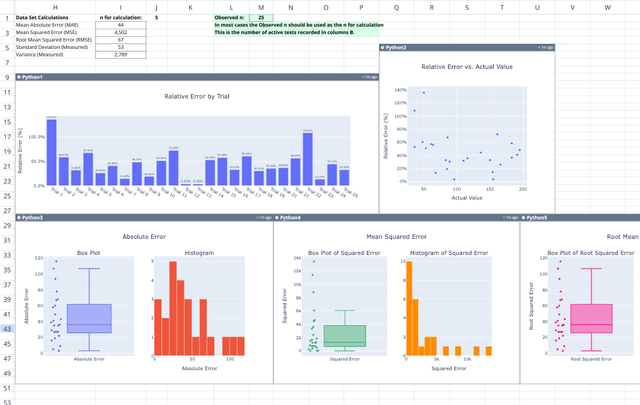
Relative Error Calculator
Compute absolute and percent errors, and visualize error distributions with interactive charts.
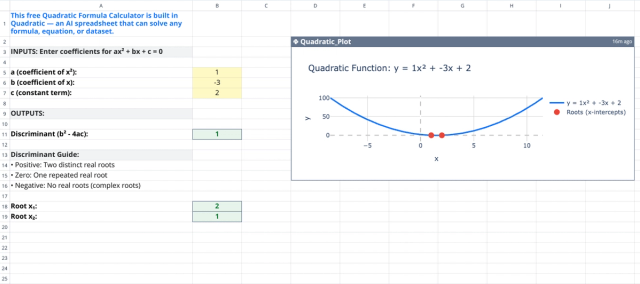
Quadratic Formula Calculator
Solve quadratic equations with this free calculator.
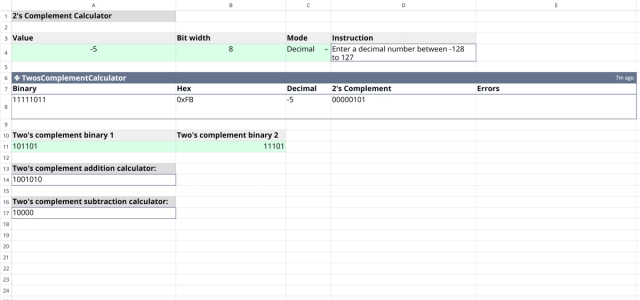
2's Complement Calculator
Convert between decimal, binary, and hex, or add and subtract two 2's complements.
