Convert PDF to CSV
Upload a PDF, tell the AI what data you need, and get clean CSV output in seconds. Quadratic is a free PDF to CSV converter that uses AI to extract tables, line items, and structured data — so you can turn PDF documents into clean CSV format instead of dealing with broken exports.
No install required. Works in your browser. SOC 2 & HIPAA compliant.
PDF to CSV in seconds with AI
Upload a PDF and let Quadratic's AI extract the data — tables, line items, figures — directly into your spreadsheet, making it easy to convert PDF files to CSV whenever you're ready.
How to convert a PDF to CSV
Learn how to convert a PDF to CSV in three simple steps — no desktop software, no broken formatting.
Upload your PDF
Upload one or more PDF files to Quadratic's AI assistant. The AI reads the entire document and identifies every table, list, and structured data block.
Tell AI what to extract
Ask for specific tables, pages, or data points in plain English. The AI extracts exactly what you need and structures it as spreadsheet rows and columns — ready for CSV export.
Export as CSV
Your extracted data lands in a spreadsheet where you can verify it, clean it up, or analyze it with formulas and Python. When you're ready, export as a clean CSV file, giving you a reliable PDF to CSV format you can use anywhere.
Convert multiple PDFs to CSV at once
Process a batch of PDFs in one go and convert multiple PDF files to CSV at once, consolidating everything into a single dataset. Upload invoices, reports, or statements into a single spreadsheet — then export everything as CSV.
Smarter than a simple PDF to CSV converter
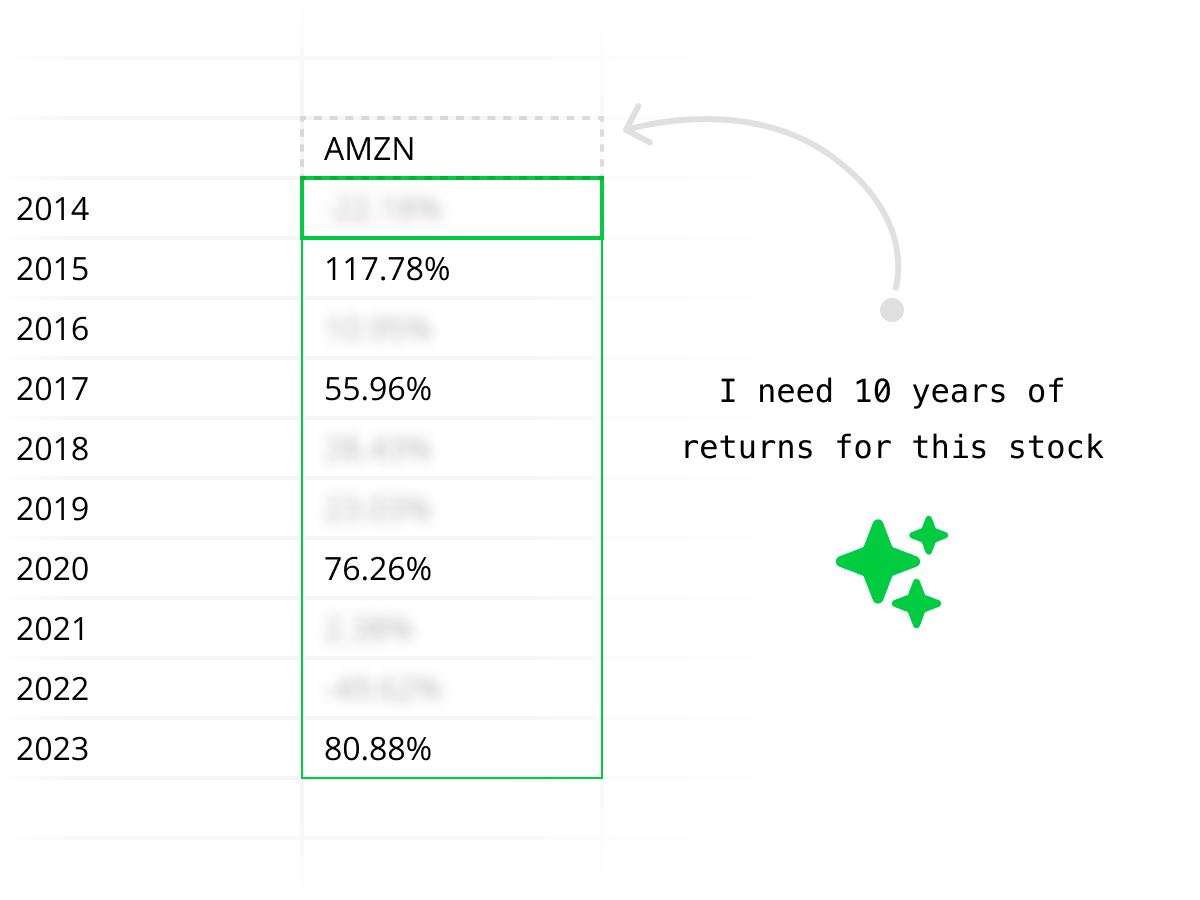
Most PDF to CSV tools blindly dump the entire document and give you broken columns. Quadratic's AI understands your PDF's structure — tables, headers, data types, multi-page layouts — so you get a clean, usable CSV every time.
Secure PDF to CSV conversion
Your PDFs and extracted data are handled securely. Quadratic is SOC 2 and HIPAA compliant, with self-hosting available for enterprises that need full control over their document processing.
Quadratic vs other PDF to CSV converters
Most PDF to CSV converter tools give you a raw file dump. Quadratic gives you AI-powered extraction with a full spreadsheet to verify and analyze the data before you export.
| Feature | Quadratic | Other PDF to CSV tools |
|---|---|---|
| Conversion quality | AI understands context — clean, structured CSV output | Automated but often messy, misaligned columns |
| Selective extraction | Tell AI exactly which tables or rows to extract | Usually converts the entire document |
| Complex layouts | Handles multi-page tables, merged cells, and scanned PDFs | Struggles with anything beyond simple tables |
| Batch conversion | Upload multiple PDFs, extract all at once | One file at a time |
| Post-conversion analysis | Analyze data with formulas, Python, and charts before exporting CSV | Download CSV and open it elsewhere |
| Price | Free to start | Free tiers with strict limits, paid for batch or complex PDFs |
Convert your next PDF to CSV
Stop reformatting broken CSV exports. Upload a PDF, let AI extract the data, and convert your PDF to a clean CSV file in seconds. Free to start.
PDF to CSV FAQ
How do I convert a PDF to CSV?
Upload your PDF to Quadratic's AI assistant and ask it to extract the data. The AI reads the PDF, identifies tables and structured content, and outputs clean rows and columns directly in your spreadsheet. From there you can export as CSV or keep working with the data. It works as a PDF to CSV converter without any manual formatting.
Is this a free PDF to CSV converter?
Yes. Quadratic is free to use and includes AI-powered PDF to CSV conversion. Upload a PDF, tell the AI what to extract, and export the result as CSV — no subscription or credit card required to get started.
Can I convert a PDF table to CSV without losing formatting?
Yes. Quadratic's AI understands table structure — column headers, row alignment, data types, and multi-page tables. When you convert PDF to CSV, the AI preserves the structure so your CSV output is clean and usable without manual reformatting.
Can I convert multiple PDFs to CSV at once?
Yes. You can upload multiple PDFs and ask the AI to extract data from all of them into one spreadsheet. Once the data is consolidated, export it as a single CSV file or multiple CSVs — useful for batch-processing invoices, reports, or statements.
What types of PDFs can I convert to CSV?
Quadratic can convert virtually any PDF to CSV — including invoices, financial statements, research reports, data exports, receipts, contracts, and any document with tabular data. The AI handles native PDFs, scanned documents, and complex multi-column layouts.
How is this different from other PDF to CSV converters?
Most PDF to CSV tools blindly convert the entire file and give you messy output. Quadratic lets you tell the AI exactly which data to extract — for example, "pull only the revenue rows from page 3." You get a clean CSV with just the data you need, and you can analyze it in the spreadsheet before exporting.
Can I convert a scanned PDF to CSV?
Yes. Quadratic's AI can extract data from scanned PDF documents, not just digital PDFs. It processes the document image, identifies table structures, and converts the extracted data into CSV-ready rows and columns.
Do I need to install anything?
No. Quadratic runs in your browser. Upload a PDF, extract data with AI, and export as CSV — all without installing software, plugins, or desktop apps.
