Bring your GA4 data into Quadratic to analyze performance, automate reporting, and combine metrics with other sources. Build GA4 dashboards and share them with your team, no BI setup required.
- Connect GA4 and access all your website and campaign metrics.
- Build Google Analytics custom dashboards that refresh automatically.
- Combine GA4 with CRM, ads, and product data for unified reporting.
- Use AI to ask questions about sessions, conversions, and retention.
- Leverage Quadratic as a Google Analytics data visualization tool.
- SOC 2 and HIPAA compliant, with enterprise-grade security.
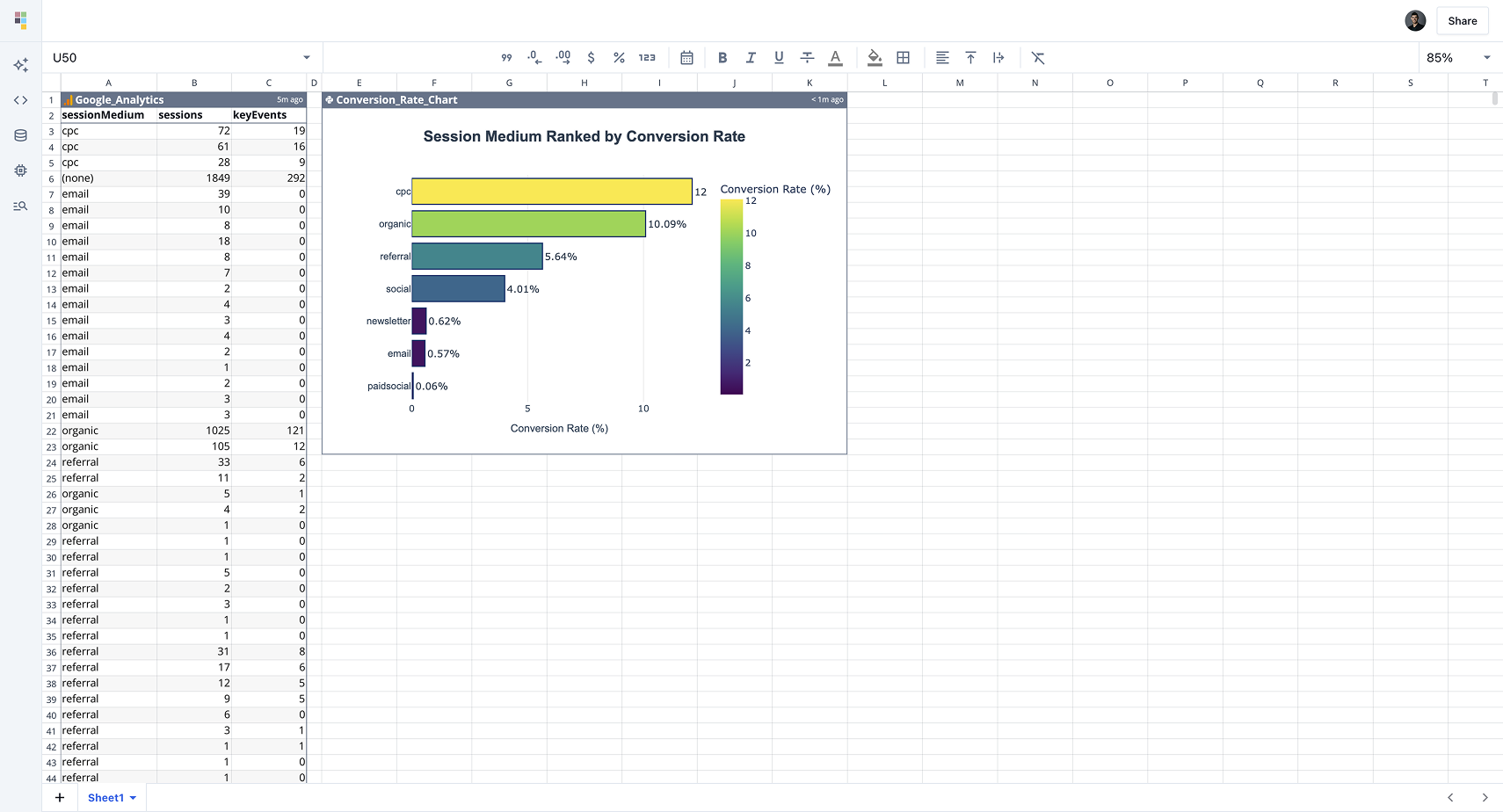
Generate reports automatically
Automate marketing and product performance reports. Quadratic turns your GA4 analytics questions into interactive visualizations that update automatically.
Explore your GA4 data naturally
Explore sessions, users, events, and conversions directly in Quadratic by asking questions in natural language. Skip the rigid GA4 to Google Sheets exports, and query the data in one place.
Build dashboards with AI
Quadratic’s AI can instantly build GA4 data visualizations. Just describe what you want — “show top pages by traffic and conversion rate” — and watch it generate charts automatically.
Use Cases
GA4 + Quadratic works for every type of team.
Marketing Teams
- Build a Google Analytics spreadsheet dashboard that updates automatically.
- Identify trends in conversions, bounce rates, and top landing pages.
Product Managers
- Monitor feature adoption and user retention with GA4 data analytics.
- Combine product data and website metrics for a full customer journey view.
Agencies
- Manage all your client GA4 properties in one place with a unified Google Analytics spreadsheet dashboard your whole team can use.
- Build repeatable report templates that can be cloned for each client and refreshed automatically.
Growth & Ops Teams
- Use Quadratic as a lightweight Google Analytics BI tool to answer growth questions faster.
- Build automated KPI dashboards to keep leadership aligned on performance.
“Quadratic creates full dashboards for me — graphs, tables, everything — just from prompts. When I used Looker, I had to clean data, prep CSVs, link Sheets, build formulas, wire up dashboards… Quadratic eliminates all of that.”

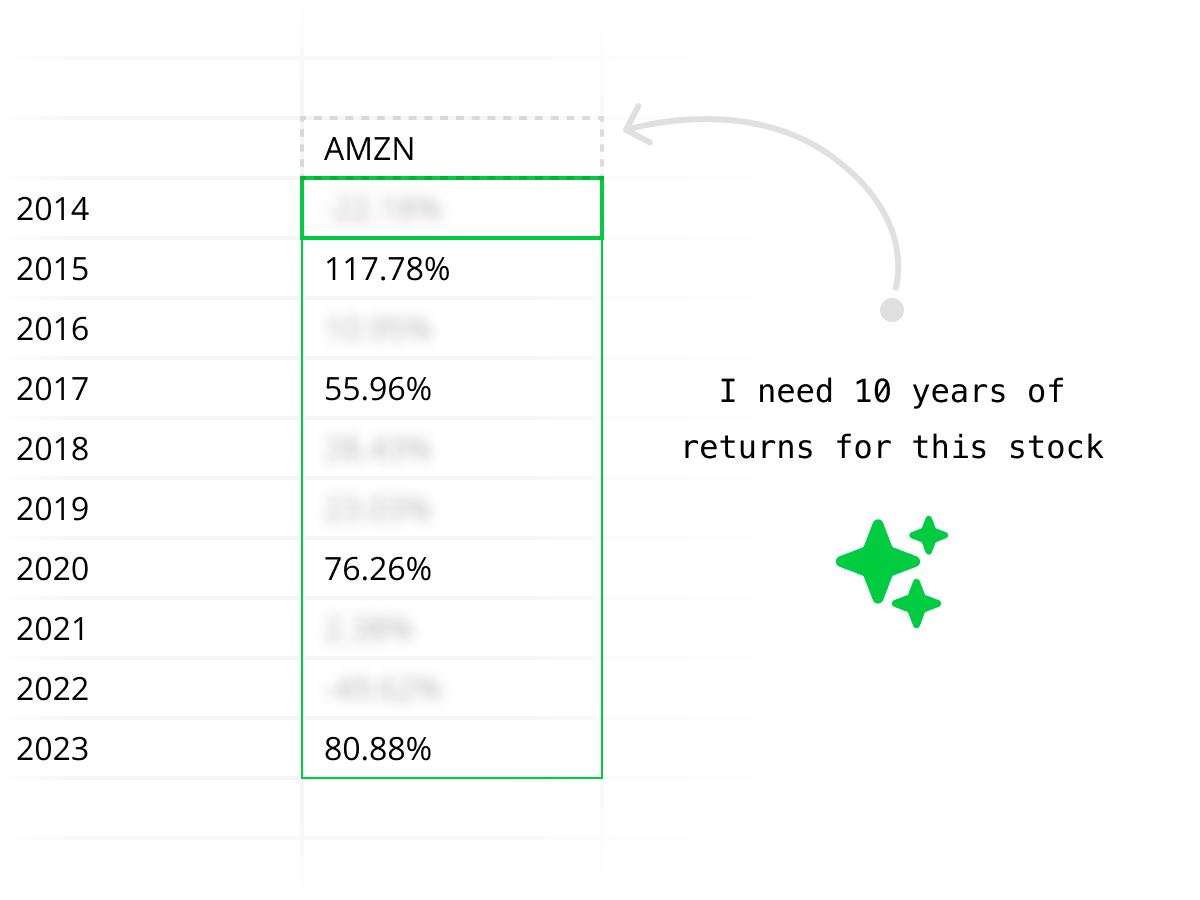
AI-powered marketing analysis
Quadratic acts as your Google Analytics AI tool, capable of extracting data, creating summaries, and generating charts on demand. Ask questions like “Which channels drove the highest conversions last month?” and get instant answers.
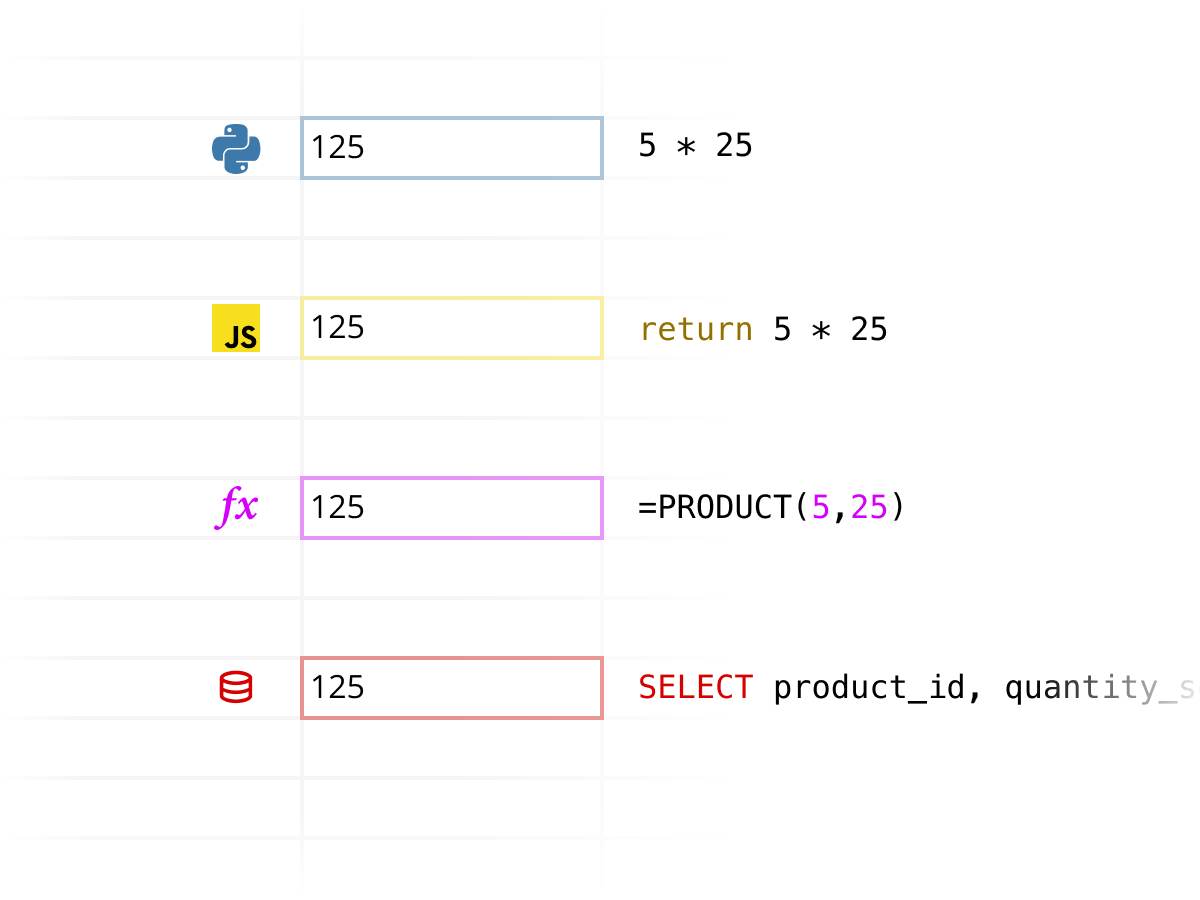
Combine GA4 with Code
Go beyond pre-built dashboards. Combine GA4 data with Python in Quadratic for advanced GA4 data analysis — from cohort charts to attribution modeling and LTV forecasting.
Secure enterprise connections
Quadratic connects to your data with a secure Google Analytics integration. We’re SOC 2 and HIPAA compliant, and support self-hosting for enterprises that need total data control.
FAQ
Why use Quadratic for Google Analytics data analysis?
Quadratic makes it simple to analyze GA4 metrics in a familiar spreadsheet interface — no BI complexity, just insights.
How do I connect GA4 to Quadratic?
From your Quadratic workspace, go to Connections, choose Google Analytics, and sign in with your Google account. Your properties and events will load automatically.
Can I build dashboards with GA4 data?
Yes — you can create a Google Analytics custom dashboard that updates automatically whenever you need fresh data.
How is this different from Google Sheets and Looker?
Sheets and Looker require connectors, exports, and BI setup. Quadratic lets you query GA4 data, build dashboards, and refresh everything automatically in one familiar spreadsheet—no pipelines, no switching tools.
What does Quadratic cost?
Quadratic offers a free plan to get started, with Pro and Business tiers for additional AI, advanced features, and support. Learn more on our Pricing page.
Is my Google Analytics data secure?
Yes. Quadratic uses SSL encryption and is SOC 2 and HIPAA compliant. Business customers can self-host for complete control.
Explore other connections
Quadratic supports a growing list of data sources. Combine and compare data across sources using Quadratic.