Plaid | Read-only data | SOC 2 and HIPAA compliant
The Plaid Spreadsheet Built for Personal Finance
Connect Plaid and instantly turn your bank, card, and transaction data into clear personal finance dashboards you can actually use.
Get Started FreeBring your Plaid data into Quadratic to track spending, monitor balances, and understand your cash flow across more than 12,000 supported financial institutions. Build live dashboards and manage your finances in one spreadsheet, no manual exports required.
Personal finance dashboard
Accounts, balances, and transactions from Plaid
Monthly spending
$4,218
Dining
-$842
Saved
+$620
Institutions
12K+
Dashboards
AI
Access
Read-only
Example analysis
Quadratic AI
A spreadsheet for personal finance data that stays current.
Use Quadratic to turn connected Plaid data into clear budgets, cash flow views, net worth tracking, and analysis you can edit.
Connect Plaid and access accounts, balances, and transactions instantly.
Track spending and cash flow across all your accounts in one place.
Build personal finance dashboards that refresh automatically.
Use AI to ask questions about spending, savings, and trends.
Leverage Quadratic as a personal finance tracking and visualization tool.
SOC 2 and HIPAA compliant, with enterprise-grade security.
Generate reports automatically
Automatically track your personal finances. Quadratic turns your Plaid data into tables and charts that update as new transactions appear, so your budget, spending, and cash flow are always current.
Explore your Plaid data naturally
Explore transactions, balances, and accounts directly in Quadratic by asking questions in plain language. Skip logging into multiple bank apps or downloading CSVs, and see your financial data in one place.
Build dashboards with AI
Quadratic's AI can instantly build personal finance dashboards from your Plaid data. Describe what you want - "monthly spending by category" or "net worth over time" - and get charts and tables you can customize.
Plaid + Quadratic works for everyday personal finance needs.
Bring banking, card, and transaction data into a flexible spreadsheet for dashboards you can keep refining.
Budgeting & Spending
- See all your transactions across accounts in one place.
- Understand where your money is going each month.
Cash Flow & Net Worth
- Track income, expenses, and account balances over time.
- Build a simple net worth dashboard that updates automatically.
Financial Planning
- Analyze trends in spending or saving.
- Model future cash flow or savings goals using formulas or Python.
Side Hustles
- Separate personal and business spending.
- Track income and expenses across multiple accounts.
“The ability to cross-reference multiple queries simultaneously and create custom charts with Plotly makes Quadratic significantly more powerful than traditional BI tools. The built in AI assistant is a game-changer for visualization.”

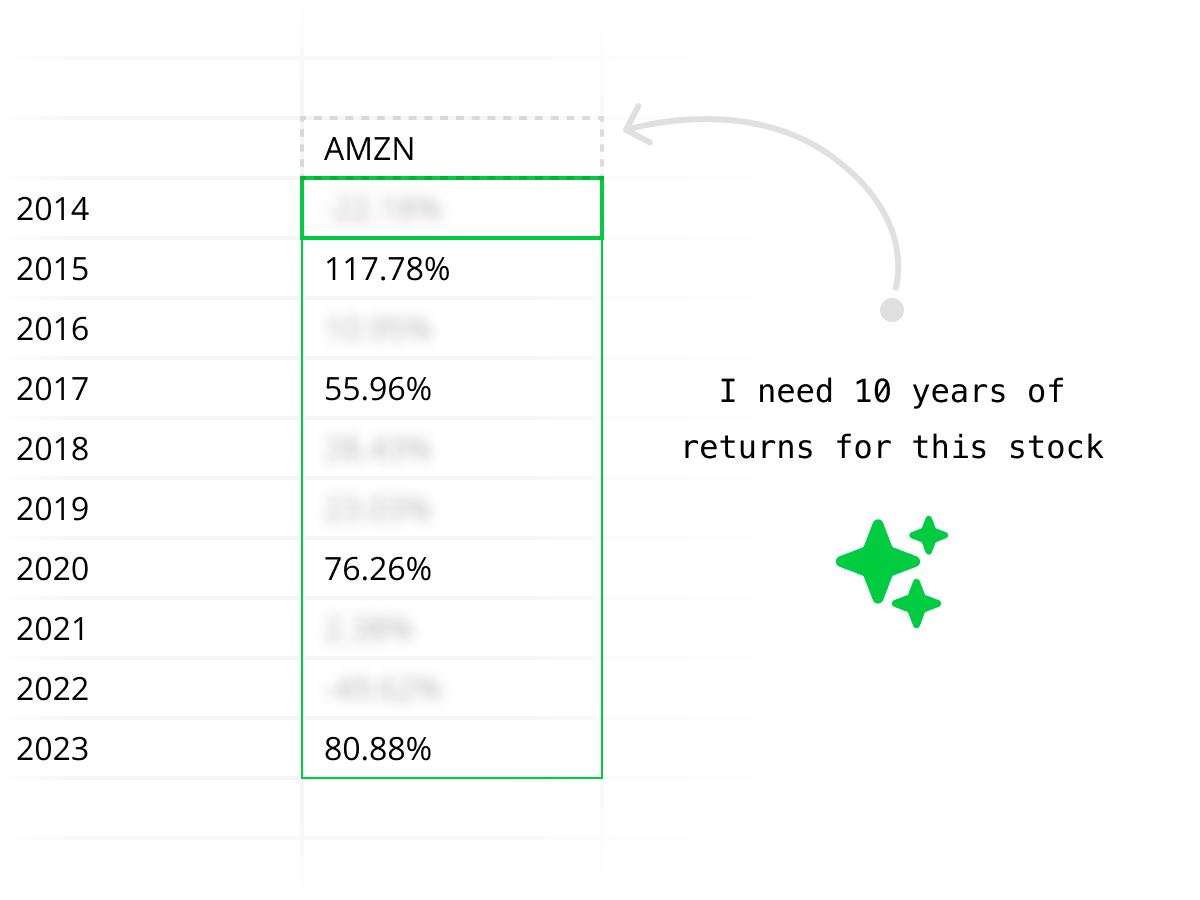
AI assisting with personal finance analysis
Quadratic acts as your personal finance AI, capable of summarizing transactions, identifying spending patterns, and generating charts on demand. Ask questions like "Where did my spending increase this month?" and get clear answers you can inspect and adjust.
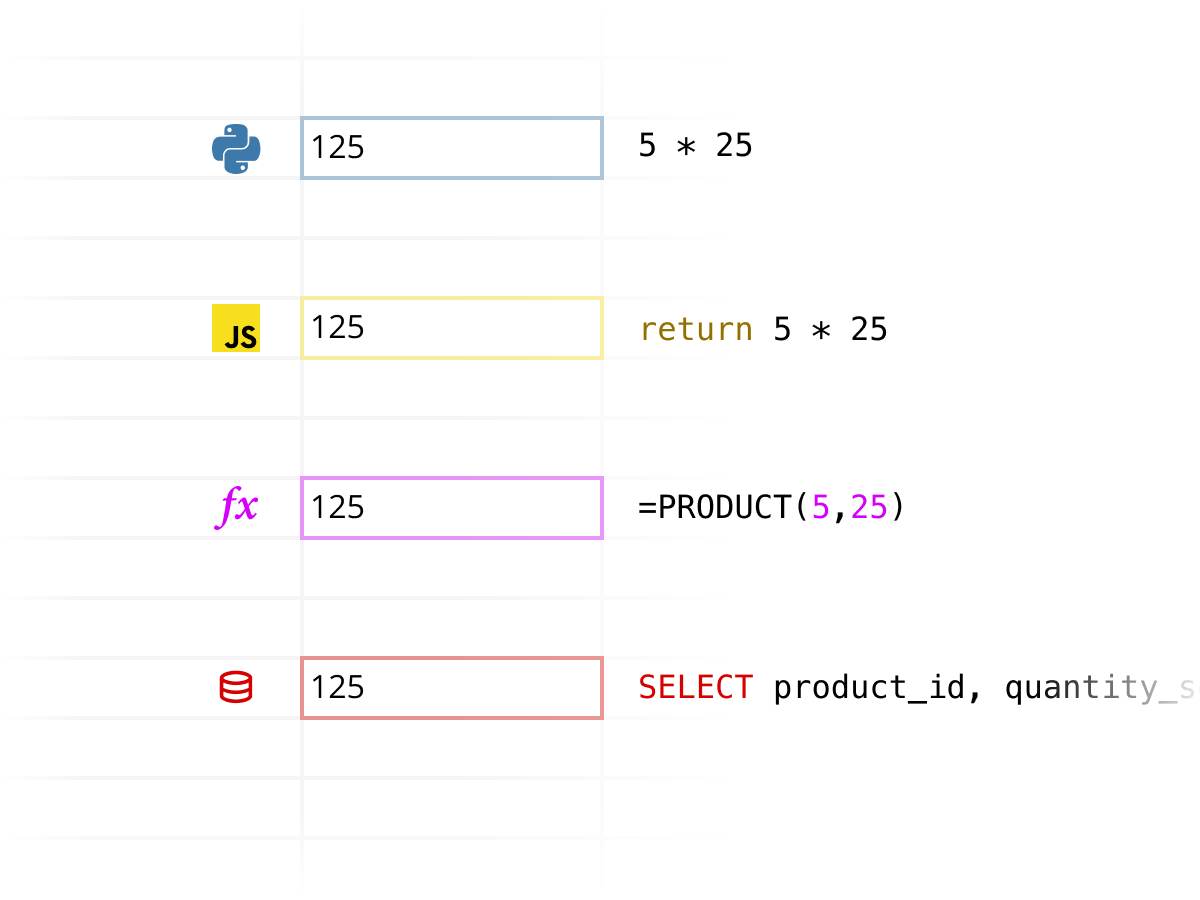
Combine Plaid with Code
Go beyond basic budgeting apps. Combine Plaid data with formulas, Python, or JavaScript in Quadratic for more flexible personal finance analysis — from custom budgets to long-term cash flow modeling.
Secure finance connections
Quadratic connects to your financial data with a secure Plaid integration. We're SOC 2 and HIPAA compliant, and support self-hosting for users who want full control over their data.
Start building better personal finance dashboards today.
Frequently asked questions
Why use Quadratic for personal finance with Plaid?+
Quadratic gives you a flexible spreadsheet to understand your finances without relying on rigid budgeting apps or manual exports.
How do I connect Plaid to Quadratic?+
From your Quadratic workspace, go to Connections, choose Plaid, and securely connect your financial institutions.
Can I build personal finance dashboards?+
Yes. You can build dashboards for spending, cash flow, and net worth that update automatically.
How is this different from budgeting apps?+
Most budgeting apps lock you into fixed views. Quadratic lets you explore, customize, and extend your analysis however you want in a spreadsheet.
Do I need to know SQL or Python?+
No. You can ask questions in plain language. Advanced tools are available if you want deeper control.
What does Quadratic cost?+
Quadratic offers a free plan to get started, with Pro and Business tiers for additional AI features.
Is my financial data secure?+
Yes. Quadratic uses encrypted, read-only connections and is SOC 2 and HIPAA compliant. You control your data at all times.
Explore other connections
Quadratic supports a growing list of data sources. Combine and compare data across sources using Quadratic.