Table of contents
Balancing customer deadlines with shop floor capacity is often the most challenging part of production. For many operations leaders, getting this balance right means navigating the frustrating gap between two extremes. Most shops either rely on static, error-prone spreadsheet templates or they overpay for clunky, rigid enterprise systems.
Effective manufacturing planning and scheduling requires a flexible, interactive workspace that automates date math and clearly visualizes capacity constraints. To see what this looks like in practice, we can look at a real-world example of a custom cabinetry manufacturer that used Quadratic to build an elegant, multi-sheet production scheduler to manage lead times, installations, and shop capacity without the usual headaches.
The "ERP vs. basic spreadsheet" dilemma
When looking for manufacturing planning and scheduling software, production planners usually face a stark choice. On one side are basic spreadsheet templates. While familiar, these traditional files require manual date calculations, lack global visibility, and fail to easily flag capacity bottlenecks in real time. On the other side are heavy enterprise resource planning systems. These platforms are incredibly expensive, demand massive implementation time, and are often far too rigid to accommodate the nuanced workflows of custom manufacturing environments. Quadratic serves as the perfect middle ground. It gives planners the infinite customizability and formulaic ease of a spreadsheet while delivering the visual power, connectivity, and interactive feel of a dedicated software application.
Case study: building a custom cabinetry production scheduler
A custom cabinetry manufacturer recently came to us with a common problem faced by many small business operations. They needed a unified way to track jobs, dollars, and dates without getting lost in endless rows of messy data. Effective planning and scheduling in manufacturing relies on having the right information at your fingertips, especially in a custom shop where every order is unique. To solve their problem, the manufacturer built an elegant, multi-sheet architecture in Quadratic. This setup neatly separates the backend data from the frontend user experience. The core data inputs are simple but critical, including customer name, job name, room, dollar value, install start date, and lead time.
Designing an interactive "home screen" for data entry
Instead of forcing users to navigate a massive, overwhelming grid, the planner designed a dedicated home screen within their Quadratic workspace. This clean, interactive interface allows sales teams or planning staff to easily input new job details like install dates, lead times, and dollar values. Because the frontend is cleanly separated from the backend, users can enter data freely without the risk of breaking complex formulas or disrupting the underlying schedule.
Automating capacity & calendars in Quadratic (how it works)
Building a scheduling template that actually works requires moving beyond static text and into automated logic. By utilizing the flexibility of Quadratic, the cabinetry shop built a system that actively works for them. Here is a breakdown of the core functionalities they created to streamline their production flow.
1. Calculating manufacturing start dates (automated date math)
Manual date calculations are a massive source of human error in production planning. To solve this, the Quadratic scheduler automatically handles the automated date math. When a user inputs the requested install start date and the required lead time, the system instantly calculates the exact manufacturing start date. This ensures that every project hits the shop floor at precisely the right time to meet the customer deadline.
2. Flagging bottlenecks with weekly capacity tracking
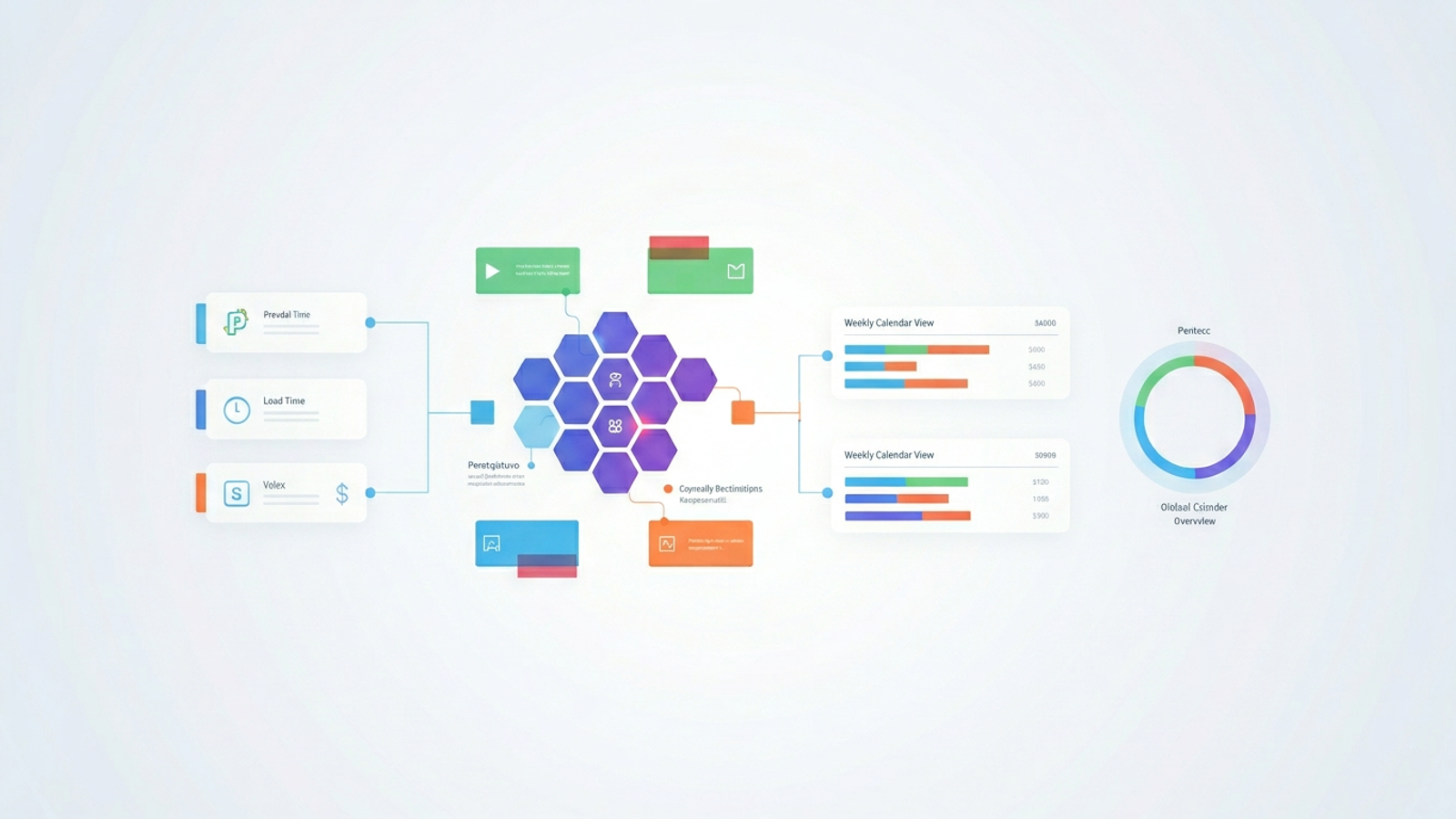
Knowing when to start a job is only half the battle. You also need to know if your shop actually has the bandwidth to do the work. The user built a weekly calendar view that shows exactly which jobs need to be built each week, effectively serving as a resource capacity planning template. The system automatically aggregates the dollar value and estimated hours of all jobs scheduled for a given period. Using conditional formatting and automated alerts, the sheet instantly flags any week where defined manufacturing capacity thresholds are exceeded. This gives managers a clear visual warning before a bottleneck ever occurs, helping to mitigate the significant financial drain these can cause.
3. Visualizing gaps with a global calendar overview
To provide true clarity, a schedule needs to be highly visual. The manufacturer achieved this by creating a global calendar overview sheet. This interactive dashboard provides a high-level visualization of capacity utilization across the entire operation. Management can instantly spot gaps in the schedule where they can take on more work, or they can easily identify upcoming logjams that require shifting resources. It transforms raw data into an elegant visual dashboard that drives smarter business decisions.
Best practices for Advanced Planning and Scheduling in Manufacturing and Supply Chains
While the cabinetry use case is highly specific, the logic behind it applies to almost any production environment. Connecting sales directly to production is crucial. When you link dollar values and install dates directly to your shop floor capacity, you prevent the sales team from overpromising and the production team from underdelivering. Identifying bottlenecks early is equally important.
Having visual flags trigger before a week even begins allows you to adjust schedules proactively rather than reacting to a crisis on the shop floor. Finally, maintaining a single source of truth is essential. A connected, multi-sheet environment like Quadratic is infinitely safer and more reliable than relying on scattered, static files saved across different desktops.
Upgrade your manufacturing scheduling workflow today
You do not need a massive, rigid enterprise system to get automated date math, capacity flagging, and beautiful calendar dashboards. By bridging the gap between basic spreadsheets and heavy software, you can create a system that perfectly fits your unique operational needs.
You can use the concepts outlined in this cabinetry case study to build your own customized, scalable scheduling template. Try Quadratic today to experience a faster, smarter approach to manufacturing planning and scheduling, and give your production team the clarity they need to succeed.
Use Quadratic to do manufacturing planning and scheduling
- Automate critical date calculations, instantly determining manufacturing start dates from install dates and lead times.
- Visually track weekly capacity and automatically flag bottlenecks before they impact production.
- Gain a high-level, interactive calendar overview to identify capacity gaps and upcoming logjams.
- Provide a dedicated, easy-to-use interface for sales and planning teams to input job details without risking formula integrity.
- Consolidate all job, dollar, and date information into a single, reliable source of truth for your entire operation.
- Build a highly customized and flexible scheduling system, avoiding the cost and rigidity of traditional enterprise software.
Experience a faster, smarter approach to manufacturing planning and scheduling. Try Quadratic.
