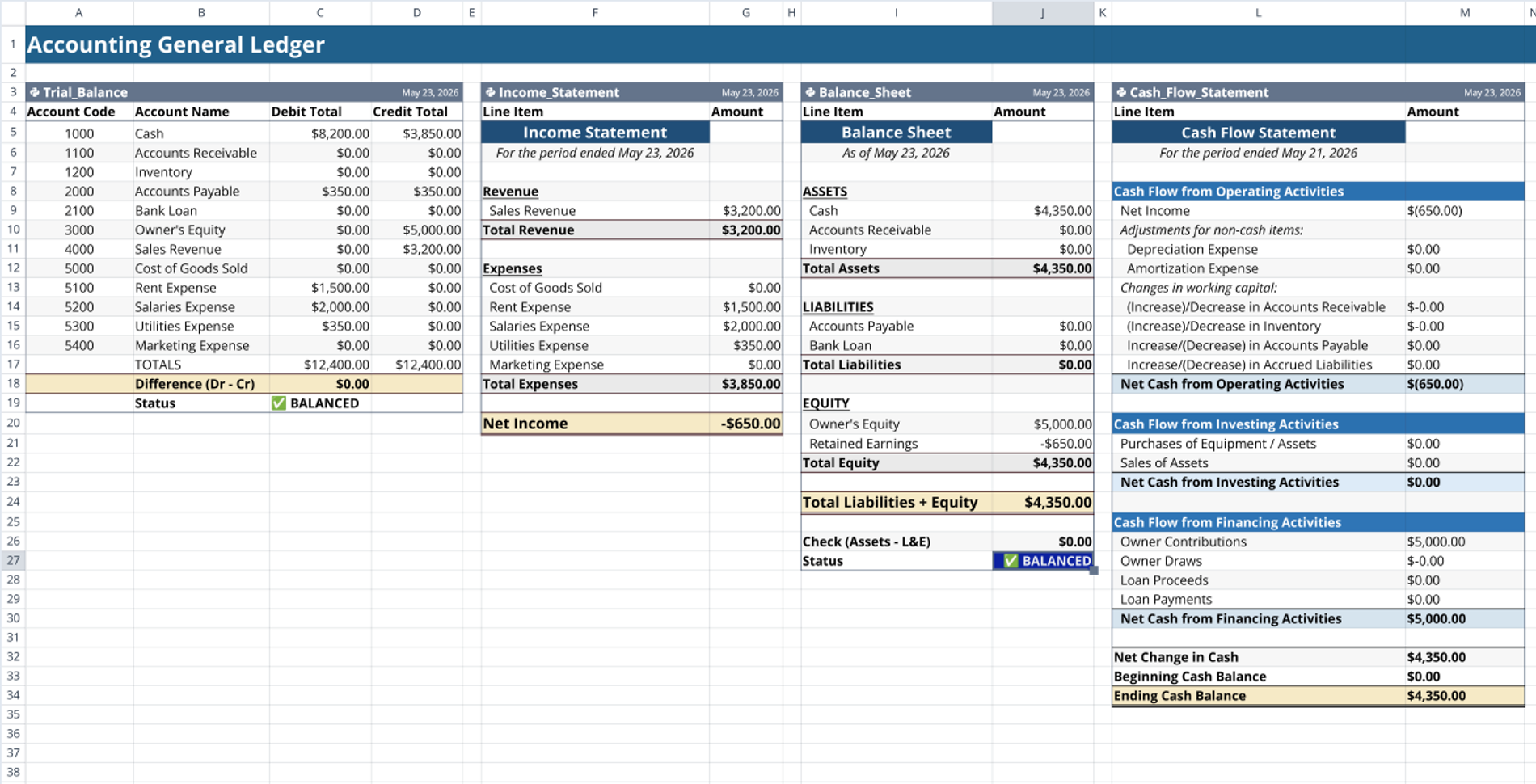
Purpose of the General Ledger Accounting Template
This general ledger accounting template centralizes transaction tracking to maintain real-time account balances within Quadratic. It provides a programmatic environment that allows teams to achieve the best financial reporting and conduct automated auditing. By leveraging native code and formulas in the spreadsheet, the template automates the aggregation of debits and credits across multiple account categories.
Core components of the ledger
Chart of accounts
The chart of accounts stores your baseline financial data, including account numbers, names, and classifications such as assets, liabilities, equity, revenue, and expenses. Inside the accounting spreadsheet, this sheet acts as the primary reference table for SQL joins and data validation.
Transaction log
The transaction log captures chronological journal entries as they occur. It requires standard input fields for the date, transaction ID, account code, description, debit amount, and credit amount.
General Ledger T Accounts Template View
This component acts as a general ledger T accounts template view, visualizing individual account activity through grouped SQL queries. It separates debit and credit columns to dynamically calculate specific account balances based on the raw transaction data.
Account reconciliation
This section functions as a general ledger account reconciliation template, designed to compare internal records against a bank account balance spreadsheet. It uses native Python logic to automatically flag discrepancies between expected and actual ending balances.
How data flows through the template
- Users input raw transaction data directly into the central transaction log sheet.
- SQL cells query the transaction log, joining it with the chart of accounts to accurately categorize each entry.
- Python scripts run against the dataset to validate that total debits equal total credits for every unique transaction ID.
- Spreadsheet formulas then calculate the running balance for each account based on the validated SQL outputs.
How to Use This Accounting General Ledger Template
- Modify the chart of accounts sheet to reflect your specific business structure and account classifications.
- Input or import your daily journal entries into the central transaction log.
- Execute the built-in SQL queries to filter transactions by date range, account type, or specific vendor.
- Run the Python validation cells to quickly identify unbalanced entries or data entry errors.
- Export the aggregated balance sheet and income statement views for month-end reporting.
Who This Accounting General Ledger Template Is For
- Finance teams transitioning from a static general ledger accounting Excel template to a dynamic, code-enabled workflow.
- Accountants who require SQL and Python integration for complex multi-entity transaction sorting and auditing.
- Data-driven startup founders managing their own books who need automated error-checking and reconciliation built directly into their spreadsheet.
Use Quadratic to manage your accounting general ledger
- Query and join your transaction log with your chart of accounts using native SQL cells.
- Validate that total debits equal total credits for every transaction using built-in Python cells.
- Visualize individual account activity dynamically with a live T-accounts view.
- Reconcile internal balances against external bank data using Python to automatically flag discrepancies.
- Collaborate with your finance team in real time inside a single shared browser workspace.
Related templates
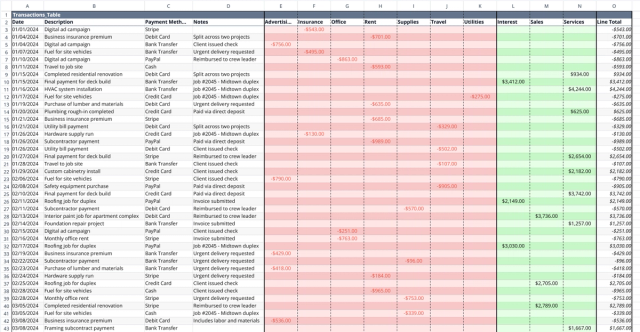
Small Business Bookkeeping Template
Track income and expenses, visualize cash flow trends, and gain financial insights.
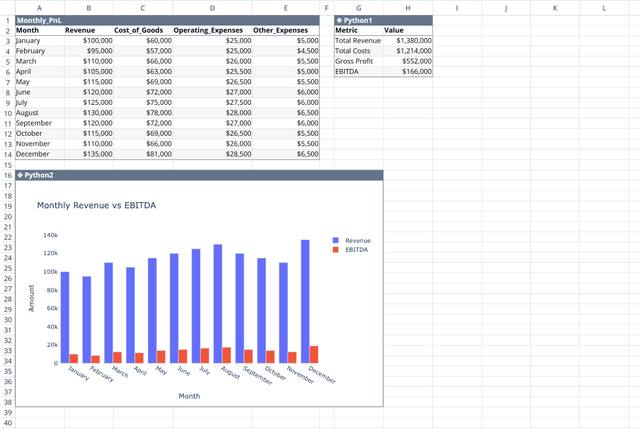
Profit and Loss Statement Template
Streamline monthly financial tracking with an automated dashboard.
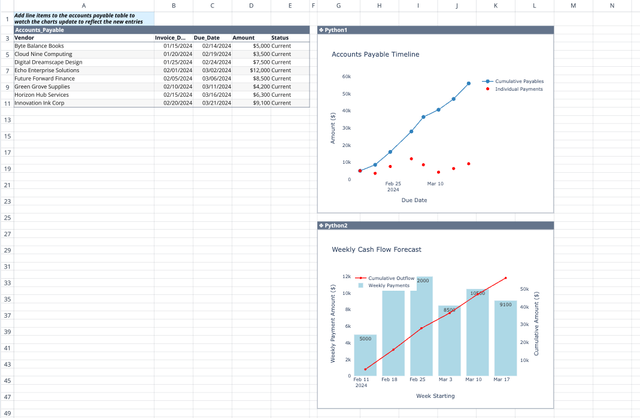
Accounts Payable Template
Get real-time visibility and insights into your payment obligations.
