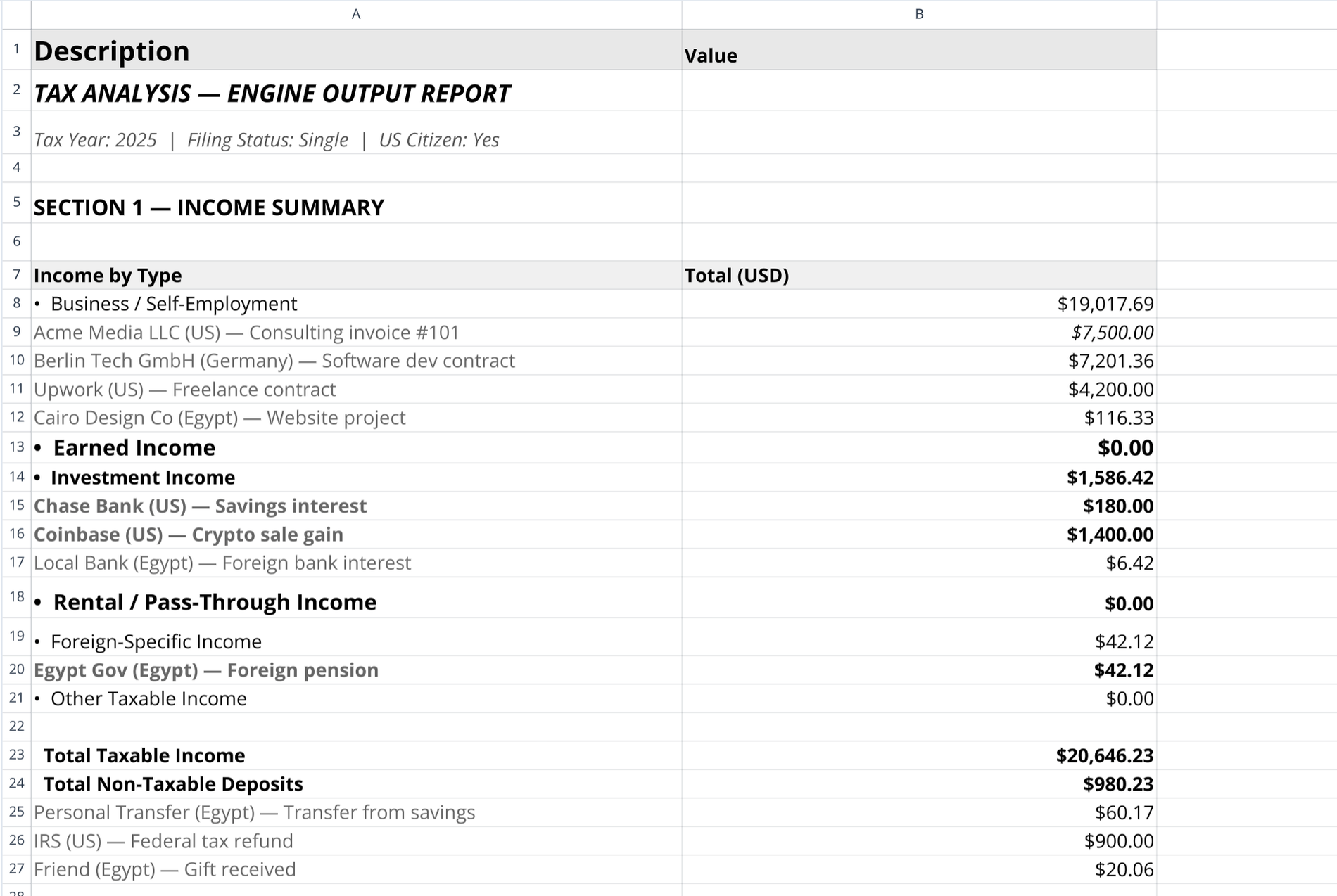
This template consolidates taxpayer profile data, income, and expenses into a centralized workspace, including workflows that can begin with a QuickBooks spreadsheet sync. It automates foreign currency conversions to USD using live API data via Python. It also leverages AI to classify transactions, calculate net business profit, and identify tax compliance triggers. The final output generates a clean, structured export to streamline handoffs to accountants, acting as a reliable client tax organizer template.
Key components of the business tax organizer template
Profile sheet
The profile sheet stores essential filing context, including the tax year, filing status, citizenship, and days spent outside the US. It tracks boolean activity flags for self-employment, W2 income, investment income, and foreign accounts. Additionally, it maintains a structured data table for foreign bank accounts and their maximum USD balances.
Income and expense raw sheets
These sheets log raw transaction data, including dates, payers or vendors, gross amounts, and document links. The template classifies income by type, such as Business or Investment, and categorizes expenses into groups like COGS or Capital Assets while applying business use percentages. A Python code cell executes automatically to fetch live exchange rates from open.er-api.com, converting any foreign currencies directly to USD.
Workflow and AI prompts
This sheet acts as the orchestration layer for the entire template. It provides clear instructions for running the AI analysis and stores two pre-written AI prompts required to generate the analytical outputs and final exports within Quadratic.
Engine output and CPA export sheets
The Engine Output sheet provides a flat-data AI report detailing income summaries, deductible expense breakdowns, and business profit. It evaluates compliance triggers such as Schedule C, Schedule SE, FBAR, and Foreign Earned Income Exclusion (FEIE). It also flags data quality issues, including unknown classifications, missing receipts, or unusual expense ratios. The CPA Export sheet then structures this AI analysis into four clean data tables (Overview, Income, Expense, Profit) and lists specific review items for the accountant.
How to use this tax organizer template
- Input personal metadata, residency details, and foreign account balances into the Profile sheet.
- Enter all income and expense transactions into their respective raw data tables.
- Allow the Python script to run automatically, converting all non-USD transaction rows into USD.
- Copy the first prompt from the workflow sheet and paste it into the AI chat to generate the Engine Output analysis.
- Copy the second prompt into the AI chat to distill the analysis into the CPA Export tables.
- Review the AI-generated flags for missing data, compliance alerts, or potential filing requirements.
- Export or share the final CPA sheet as a printable tax organizer template for your accountant.
Who this tax organizer is for
- Freelancers and contractors needing a small business tax organizer template to calculate net profit and separate COGS from deductible expenses.
- Expats and digital nomads requiring automated currency conversion and FBAR or FEIE eligibility tracking.
- Accountants seeking a free tax organizer template excel alternative to standardize client data intake and review.
- Business owners wanting an automated tax organizer checklist template to identify missing receipts and data anomalies before tax season.
Use Quadratic to Organize Tax Data and Prepare for CPA Export
- Consolidate all taxpayer profile, income, and expense data in a single workspace.
- Automate foreign currency conversions to USD using live API data via Python.
- Classify transactions, calculate net business profit, and identify tax compliance triggers with AI.
- Generate a clean, structured export for streamlined handoffs to your accountant.
- Identify data quality issues and missing receipts before tax season.
Related templates
Small Business Bookkeeping Template
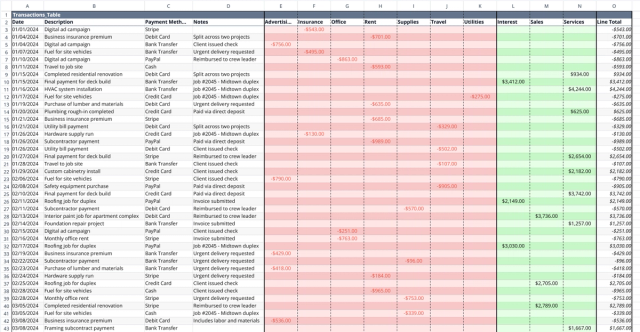
Track income and expenses, visualize cash flow trends, and gain financial insights.
Business Expense Tracking Template
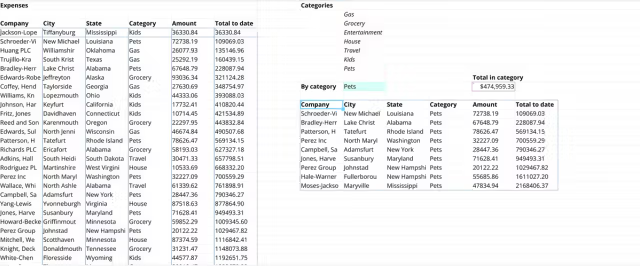
Automate your business spending analysis in Quadratic with Formulas and Python.
Professional Payroll Template
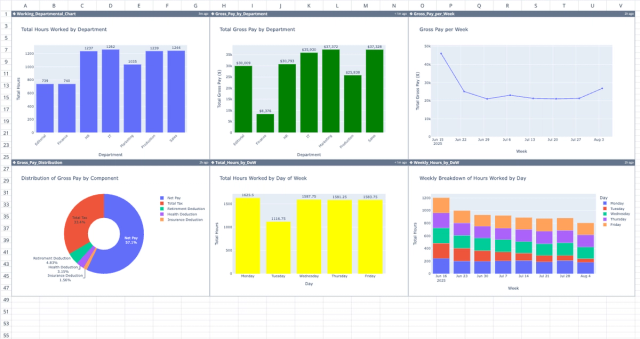
Automate payment calculations and spot trends with a dynamic dashboard.
